AI Podcast Generator: Create Podcast Videos with Multi-Speaker Lip Sync Technology
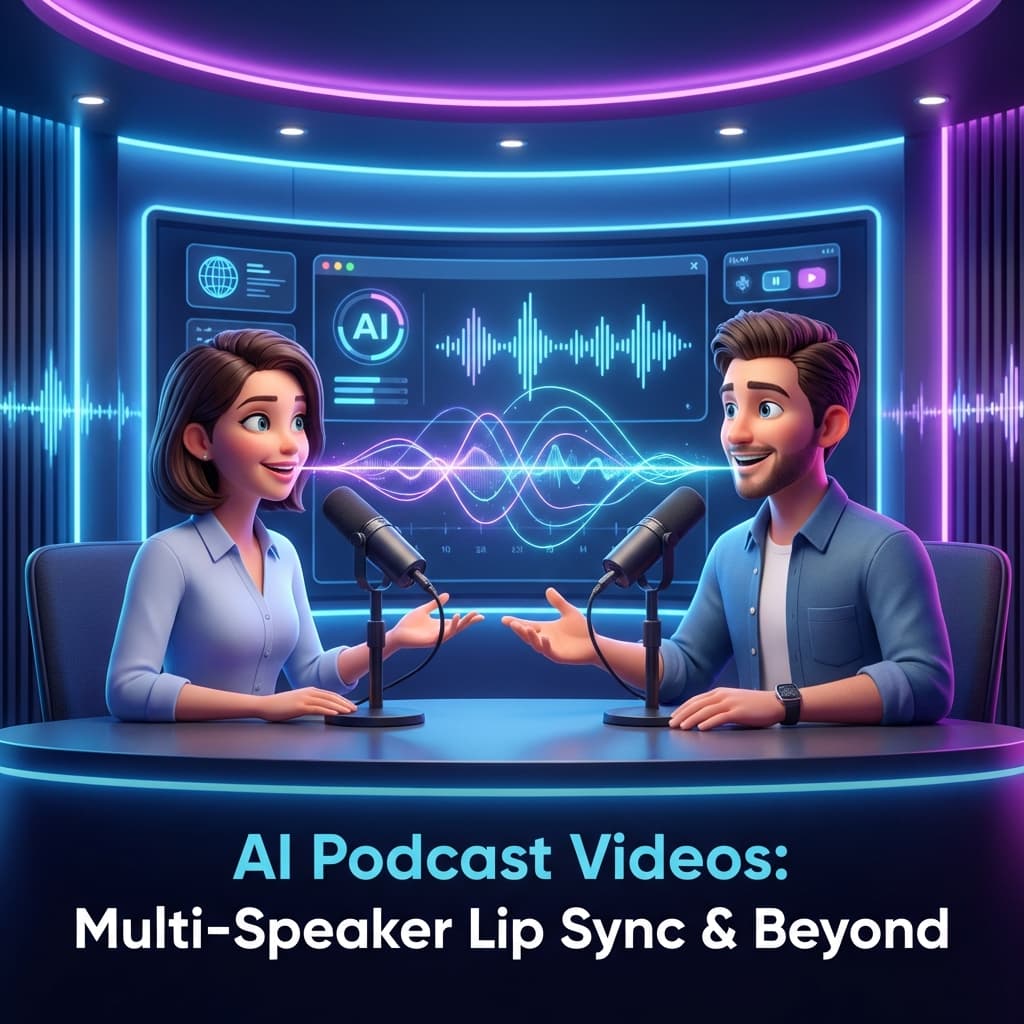
The ultimate AI podcast generator that creates professional multi-speaker podcast videos from a single image using advanced lip sync technology
The Problem with Audio-Only Podcasts
Podcasts are incredibly popular, but they face a significant challenge in today's video-first world:
- 📱 Social media favors video — TikTok, Reels, and Shorts drive massive engagement
- 👀 Video gets 10x more views — Visual content captures attention
- 🎯 YouTube is the #2 search engine — Missing out means missing audience
- 📊 Video podcasts grow faster — Audiences connect with faces, not just voices
But traditional video podcasting requires:
- Expensive camera equipment
- Professional studio setup
- Video editing expertise
- Significant time investment
What if you could turn any audio podcast into a professional-looking video in minutes?
The Solution: AI Podcast Generator with Multi-Speaker Lip Sync
With our AI podcast generator powered by multi-speaker lip sync technology, you can:
✅ Generate podcast videos from just an image and audio files
✅ Support multiple speakers with individual lip sync
✅ Produce professional quality without a camera
✅ Scale your video content production effortlessly
✅ Repurpose existing audio podcasts as video
✅ Create unlimited AI podcast content with ease
How Our AI Podcast Generator Works
The Multi-Speaker Lip Sync model (InfiniteTalkMulti) is the core engine of our AI podcast generator, specifically designed for dialogues and podcasts:
- Single Image Input: Use one image showing two speakers (like a podcast set)
- Dual Audio Tracks: Upload separate audio for the left and right speaker
- Order Control: Specify if speakers talk simultaneously, alternating, or in sequence
- AI Processing: The AI independently animates each speaker
- Video Output: Get a realistic video with both speakers lip-synced
Step-by-Step: Use the AI Podcast Generator
Step 1: Prepare Your Podcast Image
You need an image that shows two people in a podcast-style setting:
Image Requirements:
- Two visible faces (left and right positions)
- Clear, front-facing or slightly angled portraits
- Good lighting and resolution
- Natural podcast or interview composition
Where to Get Podcast Images:
- Use Sample Images: LipSync Studio provides 9 ready-made podcast templates
- AI Generation: Generate a custom podcast scene with AI image generation
- Stock Photos: Find podcast/interview images on stock sites
- Custom Design: Create your own branded podcast visual
Popular Sample Styles:
- Two professionals at a desk
- Casual podcast studio setting
- Interview-style composition
- Split-screen style layouts
Step 2: Prepare Your Audio Files
For multi-speaker podcasts, you need two separate audio files:
Left Audio (Speaker on the left side of image)
- The voice/speech of the left speaker
- Can be recorded, TTS-generated, or voice-cloned
Right Audio (Speaker on the right side of image)
- The voice/speech of the right speaker
- Different voice/speaker from the left
Pro Tips for Audio:
✓ Use clear, well-recorded audio
✓ Minimize background noise
✓ Each file represents one speaker only
✓ Keep similar volume levels between speakers
✓ Any language works
⚠️ Important Note for Meanwhile Mode:
If you plan to use the Meanwhile order mode (both speakers talk simultaneously), you need to prepare your audio files with alternating silence periods. This means:
- When Speaker A is talking, Speaker B's audio should be silent
- When Speaker B is talking, Speaker A's audio should be silent
This creates a natural conversation flow where voices don't overlap entirely but still appear to be happening at the same time in the video. Edit your audio files to include these silent gaps before uploading to the AI podcast generator.
Step 3: Choose Speaker Order
The Order setting controls how the two audio tracks play:
| Order Mode | Description | Best For |
|---|---|---|
| Meanwhile | Both speakers talk at the same time | Duets, harmonizing, simultaneous translation |
| Left → Right | Left speaker first, then right speaker | Traditional dialogue, interviews |
| Right → Left | Right speaker first, then left speaker | Alternate conversation start |
Choosing the Right Order:
For a typical podcast interview:
- Left → Right: Host asks question, guest answers
- Right → Left: Guest speaks first, host responds
- Meanwhile: Brief overlapping moments, joint announcements
Step 4: Generate Your Video
Using LipSync Studio's Multi-Speaker Lip Sync:
- Upload or select image (from 9 podcast templates or your own)
- Upload Left Audio — The left speaker's voice
- Upload Right Audio — The right speaker's voice
- Select Order — Meanwhile, left→right, or right→left
- Add optional prompt to refine expressions
- Choose resolution (360p to 4K)
- Click Generate
Step 5: Download and Publish
Your podcast video is ready! Publish to:
- YouTube (full episodes and clips)
- Spotify Video Podcasts
- TikTok / Reels (short clips)
- LinkedIn (professional highlights)
- Your podcast website
Audio Source Options
Option 1: Record Your Podcast Audio
Record as you normally would:
- Use separate mic channels per speaker
- Export individual audio files
- Clean up audio if needed
Option 2: Use Text-to-Speech (TTS)
Generate professional voices from scripts:
For each speaker:
- Select TTS in the Audio Source
- Write the speaker's script
- Choose voice (different for each speaker!)
- Generate audio
LipSync Studio TTS Features:
- 90+ languages
- Multiple voice personalities
- Gender options (male, female, neutral)
- Speaking styles (casual, professional, excited)
- Adjustable pitch, speed, and volume
- SSML support for precise control
Option 3: Voice Cloning
Clone real voices for your speakers:
- Upload 6+ seconds of reference audio
- Write your script
- Generate in the cloned voice
Use Cases:
- Consistent brand voices
- Character-based podcasts
- Personalized content
Option 4: Mixed Sources
Combine methods:
- Left speaker: Your recorded voice
- Right speaker: AI-generated TTS voice
Creative Use Cases
1. Audio Podcast Repurposing
Already have an audio-only podcast?
- Extract audio per speaker
- Choose a podcast image template
- Generate video versions
- Upload to YouTube and social media
2. Educational Content
Create educational dialogues:
- Teacher/Student conversations
- Expert interviews
- Q&A formats
- Language learning dialogues
3. Fictional Storytelling
Build narrative podcasts:
- Character dialogues
- Audiobook adaptations
- Interactive fiction
4. Marketing & Explainer Content
Produce business content:
- Product Q&A videos
- Customer testimonials
- Feature demonstrations
- Team introductions
5. News & Commentary
Create commentary shows:
- News discussion panels
- Sports commentary
- Analysis shows
Sample Workflow: Complete Example
Let's create a tech podcast episode:
Scenario: Two hosts discussing AI trends
Step 1: Image Select a professional podcast studio template with two speakers
Step 2: Script
Host 1 (Left):
"Welcome back to Tech Talk! Today we're diving into the
latest AI developments. I'm really excited about what
we're seeing in generative AI this year."
Host 2 (Right):
"Absolutely! The pace of innovation is incredible.
Let me share three trends that I think will dominate
2026. First, multimodal AI is becoming mainstream..."
Step 3: Generate Audio
- Use TTS with different voices for each host
- Select professional, conversational tone
- Generate both audio files
Step 4: Configure
- Order: Left → Right (Host 1 introduces, Host 2 responds)
- Resolution: 1080p for YouTube
Step 5: Generate Video Click generate and wait for your professional podcast video!
Optimizing for Different Platforms
YouTube (Long-form)
- Resolution: 1080p or higher
- Full podcast episodes
- Chapters and timestamps
- Optimized titles and descriptions
TikTok / Reels (Short-form)
- Resolution: 720p-1080p vertical
- Extract 30-60 second highlights
- Hook viewers in first 3 seconds
- Trending audio overlays optional
LinkedIn (Professional)
- Resolution: 720p-1080p
- 1-3 minute insight clips
- Business-relevant topics
- Professional imagery
Spotify Video Podcasts
- Resolution: 1080p
- Full episodes
- Consistent branding
- Episode thumbnails
Advanced Tips
1. Use Prompts for Natural Animation
Add natural expressions with prompts:
"Two podcast hosts having an engaging conversation.
Natural expressions, occasional nodding, and subtle
reactions. Maintain professional demeanor with
friendly, approachable body language."
2. Audio Synchronization
For natural dialogue flow:
- Leave brief pauses between speakers
- Match energy levels in audio
- Avoid long silences
3. Consistent Branding
Create a series:
- Use the same base image template
- Consistent voice choices
- Branded intro/outro overlays
4. Multi-Episode Workflow
Efficient production at scale:
- Choose 2-3 base templates
- Standardize voice selections
- Write scripts in batches
- Generate in bulk
- Add branding in post-production
Comparing Podcast Video Options
| Method | Cost | Time | Quality | Scalability |
|---|---|---|---|---|
| Traditional Video | $$$ | High | Excellent | Low |
| AI Multi-Speaker | $ | Low | Very Good | High |
| Avatar Tools | $$ | Medium | Good | Medium |
| Animation | $$$ | Very High | Varies | Very Low |
Frequently Asked Questions
Can I use more than two speakers?
Currently, the Multi-Speaker model supports exactly two speakers (left and right). For more speakers, consider creating multiple segments.
What if my podcast has one speaker?
Use the standard Image Lip Sync model instead — it's optimized for single-speaker content.
How long can the video be?
Up to 500 seconds (over 8 minutes) total, which is the combined duration of both audio tracks.
Can I create a series with consistent characters?
Yes! Use the same base image and voice selections across episodes for a cohesive series.
What image format works best?
Horizontal (landscape) images work best for podcast formats. The faces should be clearly visible on both left and right sides.
Get Started with the AI Podcast Generator
Transform your audio content into engaging video podcasts with our AI podcast generator. No camera, no studio, no problem.
Try LipSync Studio's Multi-Speaker Lip Sync — the most powerful AI podcast generator available. Log in for 16 free credits daily and start creating professional podcast videos in minutes.
Try the AI Podcast Generator →
Last updated: January 2026
Keywords: AI podcast generator, ai podcast generator free, AI podcast video, podcast video maker, audio to video podcast, multi-speaker lip sync, talking avatar podcast, AI video podcast, podcast clips, podcast to YouTube, podcast video generator, generate podcast with AI
Recommended Reading
- What is Lip Sync? Definition, Meaning, and How AI is Revolutionizing It
Everything you need to know about lip synchronization — from history to cutting-edge AI technology
- How to Lip Sync Video: The Complete Guide to AI-Powered Video Lip Synchronization
Transform any video with perfect lip sync using cutting-edge AI technology
- How to Make a Picture Talk and Sing: Best AI Talking Photo Generator Guide
The ultimate tutorial on how to lip sync picture, make a picture sing, and create stunning talking photo animations