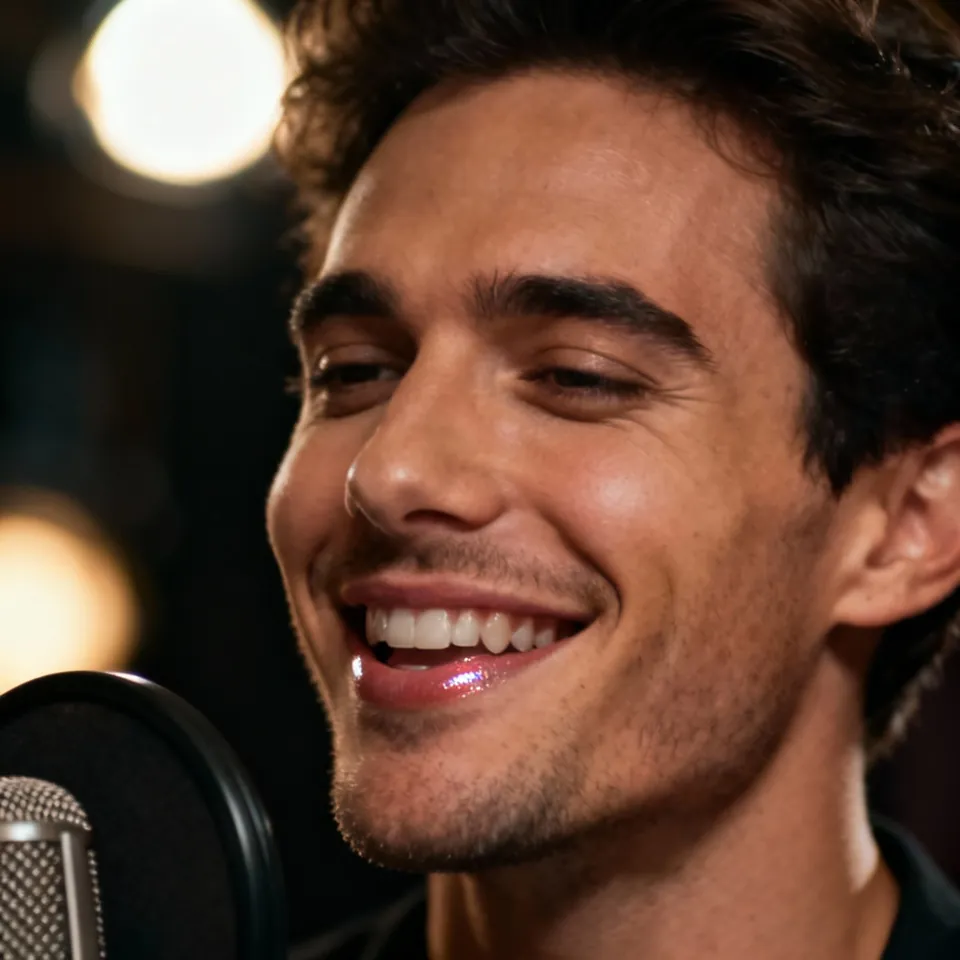
Free Lip Sync AI: 4K Talking & Singing Videos (Up to 10m)

Create powerful 4K Lip Sync AI videos up to 10 minutes. Re-sync existing videos for perfect dubbing or transform photos into realistic talking avatars and singing characters. Supports humans, cartoons, and animals via TTS or video-driven sync. Our Pro Mask Tool ensures precise control in complex scenes.

A versatile AI avatar video generator for creating talking avatar and lip sync videos from an image and audio. Supports longer audio, speaker control, animals, and stylized characters.

*1. Upload, Generate, or Edit Photo

*2. Upload Audio or Generate Audio

Black areas = Person does not speak. White areas = Person speaks.

Public

Log in to get daily credits and start generating videos. Your tasks will continue in the background if you close the page. Please do not submit the same task repeatedly. You can find your previous generations on the My Creations page.

Why Choose Lip Sync AI?

4K Detail and Videos up to 10 Minutes

Create sharp, longer performances for complete songs, stories, lessons, and client projects. Supported lip sync models offer output up to 4K and clips up to 10 minutes, with the available settings shown in the generator.

Real People, Anime, and Animal Characters

Bring more than a human headshot to life. Create performances with realistic portraits, anime faces, illustrated characters, and animals using the workflow suited to your source.

Control the Speaker, Expression, and Motion

Choose which character performs with visual masks in supported models, or direct facial expression and movement with a performance prompt. Keep the delivery focused on the character and emotion you want.

Two Speakers, One Podcast Scene

Turn a shared two-person image and separate voice tracks into a dialogue video. Assign each voice to its character for interviews, podcasts, conversations, and speaker-and-listener scenes.

Lip Sync for Both Photos and Videos

Animate a still image or update the voice in footage you already have. Move between image and video lip sync in the same workspace instead of rebuilding your project in separate tools.

Strong Character Consistency

Keep the character recognizable through the performance, using the source face and reference details as the visual foundation. Build videos around the person, animal, or design your audience already knows.

Natural Dialogue and Singing Performances

Create spoken messages, narration, character dialogue, and song performances. Use your own voice or prepared audio to give each character the words, melody, and delivery you choose.

Daily Free Credits for a 7-Second Video

Log in each day for free credits and create a 7-second video with eligible base lip sync settings. Your account and generator show the available credits.

Video, Image, and Audio Creation on One Page

Generate the image, prepare speech or music, animate the character, and review the video in one workspace. Built-in image, audio, voice, and video tools keep your creative workflow together.

FAQ

Frequently Asked Questions

To create a podcast-style video like the sample on our page, we recommend using our multi-speaker model and selecting the "meanwhile" mode.

Follow these steps:

  1. 1Upload two separate audio files: one for the left character and one for the right character.
  2. 2Make sure each audio file contains only that character’s voice, with no overlap.
  3. 3When the left character is speaking, keep the right audio silent, and vice versa.
  4. 4Make sure the timing between the two tracks reflects a natural conversation flow.

If you want only one person to speak, here are three methods you can try:

  1. 1Use the multi-speaker model. You only need to upload one audio track, either for the left person or the right person, and we will automatically generate a silent track for the other side to fill the gap. For best results, make sure the two people in the image are clearly separated rather than hugging or overlapping.
  2. 2Use the video lip sync model with a mask. This is the most direct and reliable method. You can upload a mask to ensure only the left person’s mouth is animated while the other remains still.
  3. 3Generate a base video first. Our video generation model can follow more detailed and precise prompts. You can first generate a short clip, for example around 8 seconds, where only the left person is speaking. Then take that generated video and run it through the video lip-sync model to replace the audio and refine the lip sync. You can also apply a mask at this stage for better control.

You can download your invoices by clicking the 'Billing History' button on the pricing page.

Generating a video that is several minutes long can require a very large amount of compute, so in some cases it may take several hours to finish.

You can continue generating other videos while you wait, and you can also close the website because generation will keep running in the background automatically.

Please do not submit the same video repeatedly.

If you want to test the generation quality quickly and at low cost, use the trim feature in the audio section to cut your audio down to 5 to 10 seconds first.

Lip Sync AI & Animation Pricing

Choose a plan to instantly access Lip Sync AI-powered lip sync animation. Create perfectly synchronized character lip sync and cartoon lip sync videos for your creative projects.

Standard

$49.99
$39.99/mo
-20%
💎16,000credits
= 12,000 base credits
+ 4,000 bonus credits 🎁+30%

* Annual credits are issued in full upon purchase and refreshed annually.

  • Private Lip Sync AI animation videos allowed
  • High quality auto lip sync output
  • Advanced Lip Sync AI model
  • Priority Lip Sync AI generation

Secure payments

Payment options vary by device and region.

Save 50%

Pro

$99.99
$79.99/mo
-20%
💎33,000credits
= 25,200 base credits
+ 7,800 bonus credits 🎁+30%

* Annual credits are issued in full upon purchase and refreshed annually.

  • Private Lip Sync AI animation videos allowed
  • High quality auto lip sync output
  • Advanced Lip Sync AI model
  • Priority Lip Sync AI generation

Secure payments

Payment options vary by device and region.

Basic

$29.99
$24.99/mo
-17%
💎7,000credits
= 5,400 base credits
+ 1,600 bonus credits 🎁+30%

* Annual credits are issued in full upon purchase and refreshed annually.

  • Private Lip Sync AI animation videos allowed
  • High quality auto lip sync output
  • Advanced Lip Sync AI model
  • Priority Lip Sync AI generation

Secure payments

Payment options vary by device and region.

One-Time Purchase

Pay as you go. Credits never expire.

Price
credits
$9999
300,000
$4999
140,000
$2999
80,000
$1999
40,000
$999
16,000
$499
8,000
$199
3,000

Secure payments

Payment options vary by device and region.

•
How to Use

How to Use Our Lip Sync AI & Lip Sync Animation Tool

Transform your videos with advanced Lip Sync AI & Lip Sync Animation Technology. Eliminate lip sync mismatches with our cutting-edge auto lip sync engine.

Revolutionary Lip Sync AI-Powered Animation

Lip Sync AI harnesses cutting-edge artificial intelligence to create stunning lip sync animation with unprecedented accuracy. Our proprietary technology processes each frame meticulously, ensuring perfect audio-visual synchronization for character lip sync and cartoon lip sync creators worldwide.

01

Upload Content

Import your video and audio files - supporting MP4, MOV, AVI, WAV, MP3, and AAC formats

02

Select Mode

Choose between precision character lip sync or continuous cartoon lip sync animation

03

AI Processing

Our intelligent auto lip sync engine automatically generates perfectly matched animation

04

Export Results

Download your professionally synchronized video with perfect audio quality

Getting Started with Lip Sync AI

Free users receive daily credits to try our lip sync animation technology. Need more credits? Upgrade to our premium plans for unlimited potential.