The Better Alternative to HeyGen for Lip Sync
Both HeyGen and Lipsync Studio offer AI lip sync, but the details matter. Lipsync Studio outputs up to 4K resolution and supports videos up to 10 minutes. It syncs both speech and singing. It works with humans, anime, cartoons, and animals. It offers manual mask control for multi-person scenes and occlusion-proof processing for obstructed faces. It includes built-in Text-to-Speech, Voice Cloning, and Image Generation. And every output is watermark-free. Here's how the two compare.
An expressive AI avatar video generator with stronger portrait control, better preservation of text and fine details in the source image, and prompt-guided emotion, facial expression, and motion style. Best for presentations, product demos, and performance scenes.
*1. Upload, Generate, or Edit Photo
*2. Upload Audio or Generate Audio
Log in to get daily credits and start generating videos. Your tasks will continue in the background if you close the page. Please do not submit the same task repeatedly. You can find your previous generations on the My Creations page.
*1. Upload, Generate, or Edit Photo
*2. Upload Audio or Generate Audio
Log in to get daily credits and start generating videos. Your tasks will continue in the background if you close the page. Please do not submit the same task repeatedly. You can find your previous generations on the My Creations page.
How to Generate Lip Sync Videos
Pick the workflow that matches your source media and goal, then use the model, upload, and masking tips to get cleaner lip sync results.
Create a Singing or Speech Video from One Image
Turn a portrait into a singing, speaking, or presentation-style video with one image and one audio file. Use it for talking avatars, virtual hosts, lectures, music portraits, and social clips.
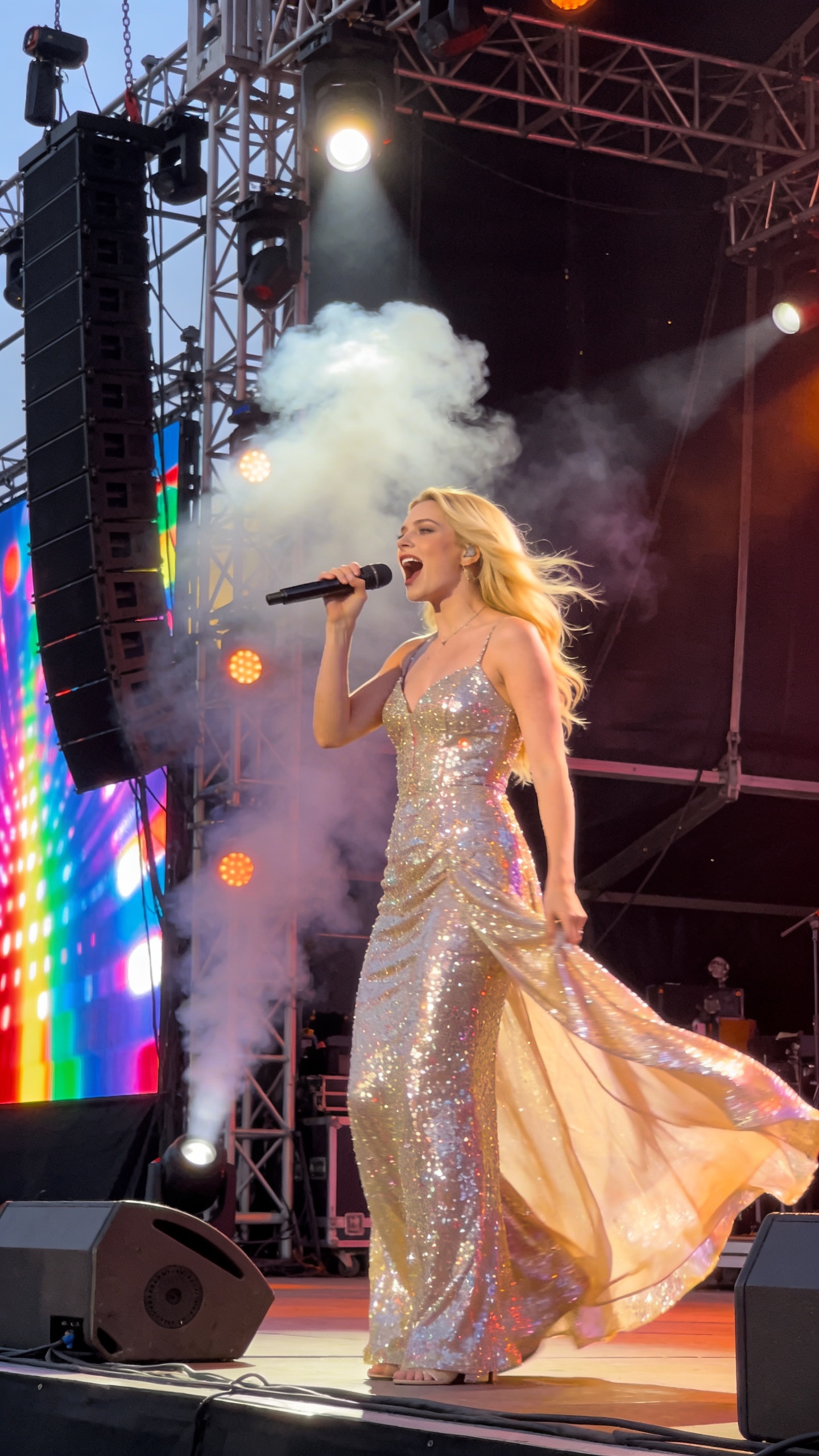
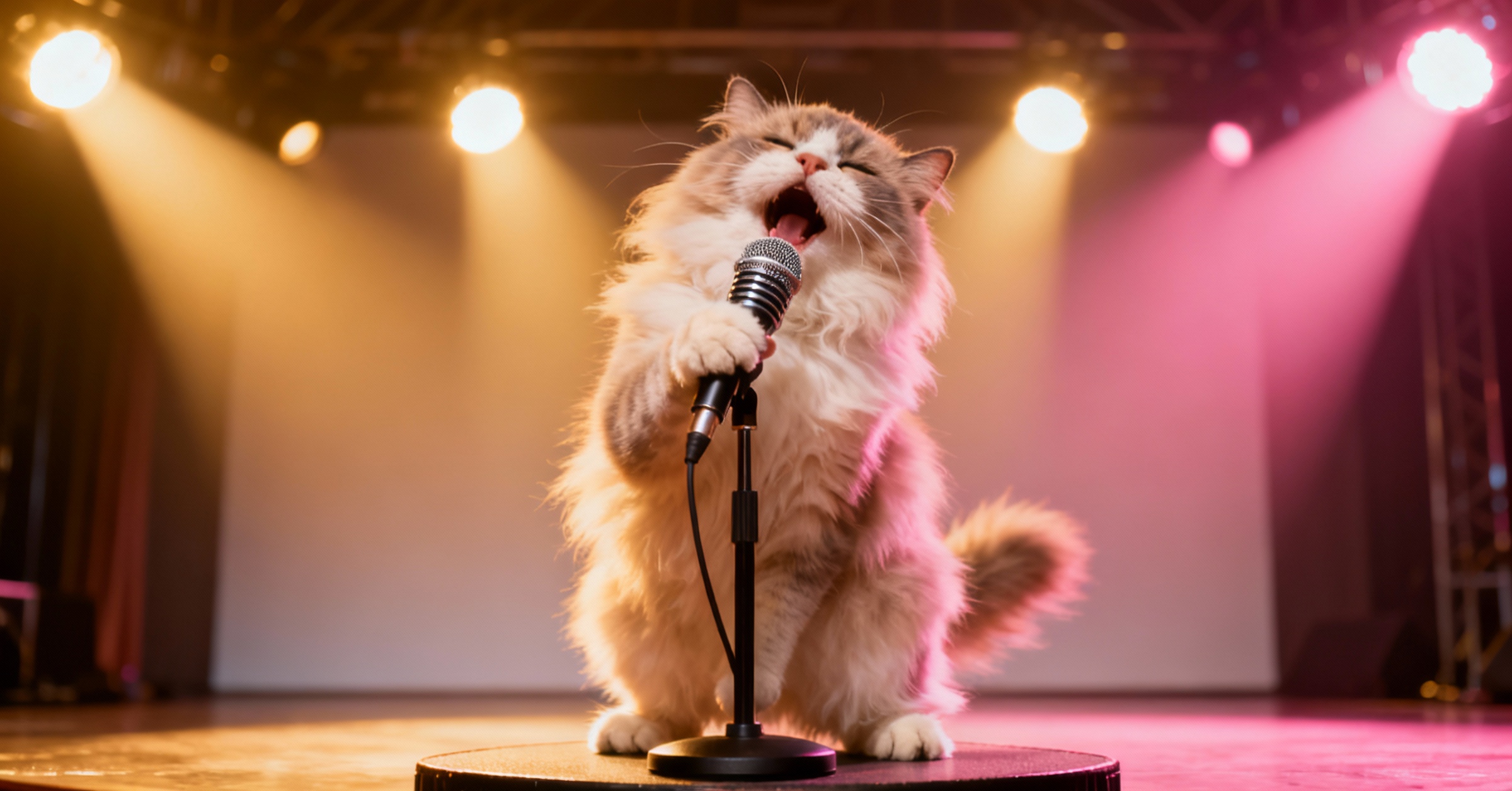


HeyGen vs Lipsync Studio: Side-by-Side
| Feature | HeyGen | Lipsync Studio |
|---|---|---|
| Max Resolution | 720p (Free) / Up to 4K (Paid) | 360p to 4K |
| Max Duration | 3 min (Free) / 30 min (Paid) | Up to 10 Minutes |
| Multi-Person Control | Auto-Detect Only | Visual Mask Control |
| Character Types | Realistic Humans | Humans, Anime, Animals & More |
| Watermark | Watermarked on Free/Basic | Always Watermark-Free |
| Singing Support | Speech Only | Speech & Singing |
Key Differences at a Glance
- Resolution: Up to 4K vs 720p on Free
- Lipsync Studio supports output from 360p to 4K across all plans. HeyGen exports at 720p on its free tier, 1080p on Creator, and up to 4K on Pro and Enterprise plans.
- Duration: Up to 10 Minutes vs 3-Minute Free Cap
- Lipsync Studio supports continuous lip sync videos up to 10 minutes. HeyGen's free tier limits videos to 3 minutes; Creator and Pro plans extend this to 30 minutes.
- Singing Support: Speech & Songs vs Speech Only
- Lipsync Studio synchronizes lips for both spoken audio and singing, making it suitable for music videos, AI covers, and creative projects. HeyGen's lip sync is designed for speech-driven workflows such as translation and avatar scripts.
- Character Types: Humans, Anime, Animals & More vs Humans Only
- Lipsync Studio processes realistic humans, anime characters, cartoons, animals, pets, and virtually any subject with a visible mouth. HeyGen's lip sync is designed for realistic human faces and avatars.
- Multi-Person Control: Manual Mask vs Auto-Detect
- Lipsync Studio provides a visual mask tool that lets you select exactly which face to animate in multi-person scenes, making it ideal for podcasts, interviews, and group shots. HeyGen uses automatic speaker detection, which may struggle with overlapping speech or closely positioned faces.
- Occlusion Handling: Occlusion-Proof vs Not Specified
- Lipsync Studio uses occlusion-proof processing that maintains lip sync quality when the mouth is partially obstructed by microphones, beards, hands, or other objects. HeyGen does not specifically document occlusion robustness for its lip sync feature.
- Watermark: None vs Watermarked on Free/Basic
- All Lipsync Studio outputs are watermark-free. HeyGen adds a watermark on its free tier and free API plan; watermark removal requires a paid subscription.
- Input Flexibility: Your Own Video & Photos vs Avatar-Focused
- Lipsync Studio accepts any uploaded video or photo as input for lip sync. HeyGen's primary lip sync workflows center on AI avatar generation and video translation, so uploading your own arbitrary footage for lip sync is not its main use case.
- Built-In Tools: TTS, Voice Cloning & Image Gen Included
- Lipsync Studio includes Text-to-Speech, AI Voice Cloning, and Image Generation within the same platform. HeyGen offers TTS and voice cloning through its avatar workflows, but does not include image generation tools.
- Rendering Speed: About 10 to 20 Seconds per Second of Video
- Lipsync Studio generates each second of 720p video in approximately 10 to 20 seconds. HeyGen's processing speed varies by plan tier, with faster speeds available on higher-tier subscriptions.
Lip Sync AI & Animation Pricing
Choose a plan to instantly access Lip Sync AI-powered lip sync animation. Create perfectly synchronized character lip sync and cartoon lip sync videos for your creative projects.
Standard
* Annual credits are issued in full upon purchase and refreshed annually.
- Private Lip Sync AI animation videos allowed
- High quality auto lip sync output
- Advanced Lip Sync AI model
- Priority Lip Sync AI generation
Pro
* Annual credits are issued in full upon purchase and refreshed annually.
- Private Lip Sync AI animation videos allowed
- High quality auto lip sync output
- Advanced Lip Sync AI model
- Priority Lip Sync AI generation
Basic
* Annual credits are issued in full upon purchase and refreshed annually.
- Private Lip Sync AI animation videos allowed
- High quality auto lip sync output
- Advanced Lip Sync AI model
- Priority Lip Sync AI generation
One-Time Purchase
Pay as you go. Credits never expire.
HeyGen vs Lipsync Studio — Common Questions
Can I lip sync my own video or photo?
Yes. Lipsync Studio accepts any video or photo you upload, including movie clips, personal recordings, illustrations, or screenshots. HeyGen's lip sync workflows are primarily built around AI avatar creation and video translation.
Can I lip sync a song or music video?
Yes. Lipsync Studio synchronizes lips for both speech and singing audio. HeyGen's lip sync is designed for speech-driven use cases and does not specifically support singing synchronization.
Does it work with anime, cartoon characters, or animals?
Yes. Lipsync Studio processes realistic humans, anime, cartoons, animals, pets, and virtually any subject with a visible mouth. HeyGen focuses on realistic human faces and AI avatars.
How long can the generated videos be?
Lipsync Studio supports up to 10 minutes of continuous lip sync. HeyGen's free tier caps at 3 minutes per video; paid plans extend this to 30 minutes.
How does multi-person lip sync work?
Lipsync Studio provides a visual mask tool that lets you mark which face to animate and which to leave unchanged. HeyGen uses automatic speaker detection, which can struggle with overlapping or closely positioned speakers.
How fast is the rendering?
Lipsync Studio generates each second of 720p video in approximately 10 to 20 seconds. A 1-minute clip is typically ready in under 5 minutes.
Are there watermarks on the output?
No. All Lipsync Studio outputs are watermark-free. HeyGen's free tier and free API plan include a watermark; removal requires a paid plan.