The Wav2Lip Alternative That Actually Works for Real Projects
Wav2Lip is great for research, but when you need professional results like sharp 4K video, 10-minute clips, singing support, or commercial use, it falls short. Lipsync Studio gives you all of that in your browser, no coding or GPU required. Just upload, sync, and download.
An expressive AI avatar video generator with stronger portrait control, better preservation of text and fine details in the source image, and prompt-guided emotion, facial expression, and motion style. Best for presentations, product demos, and performance scenes.
*1. Upload, Generate, or Edit Photo
*2. Upload Audio or Generate Audio
Log in to get daily credits and start generating videos. Your tasks will continue in the background if you close the page. Please do not submit the same task repeatedly. You can find your previous generations on the My Creations page.
*1. Upload, Generate, or Edit Photo
*2. Upload Audio or Generate Audio
Log in to get daily credits and start generating videos. Your tasks will continue in the background if you close the page. Please do not submit the same task repeatedly. You can find your previous generations on the My Creations page.
How to Generate Lip Sync Videos
Pick the workflow that matches your source media and goal, then use the model, upload, and masking tips to get cleaner lip sync results.
Create a Singing or Speech Video from One Image
Turn a portrait into a singing, speaking, or presentation-style video with one image and one audio file. Use it for talking avatars, virtual hosts, lectures, music portraits, and social clips.
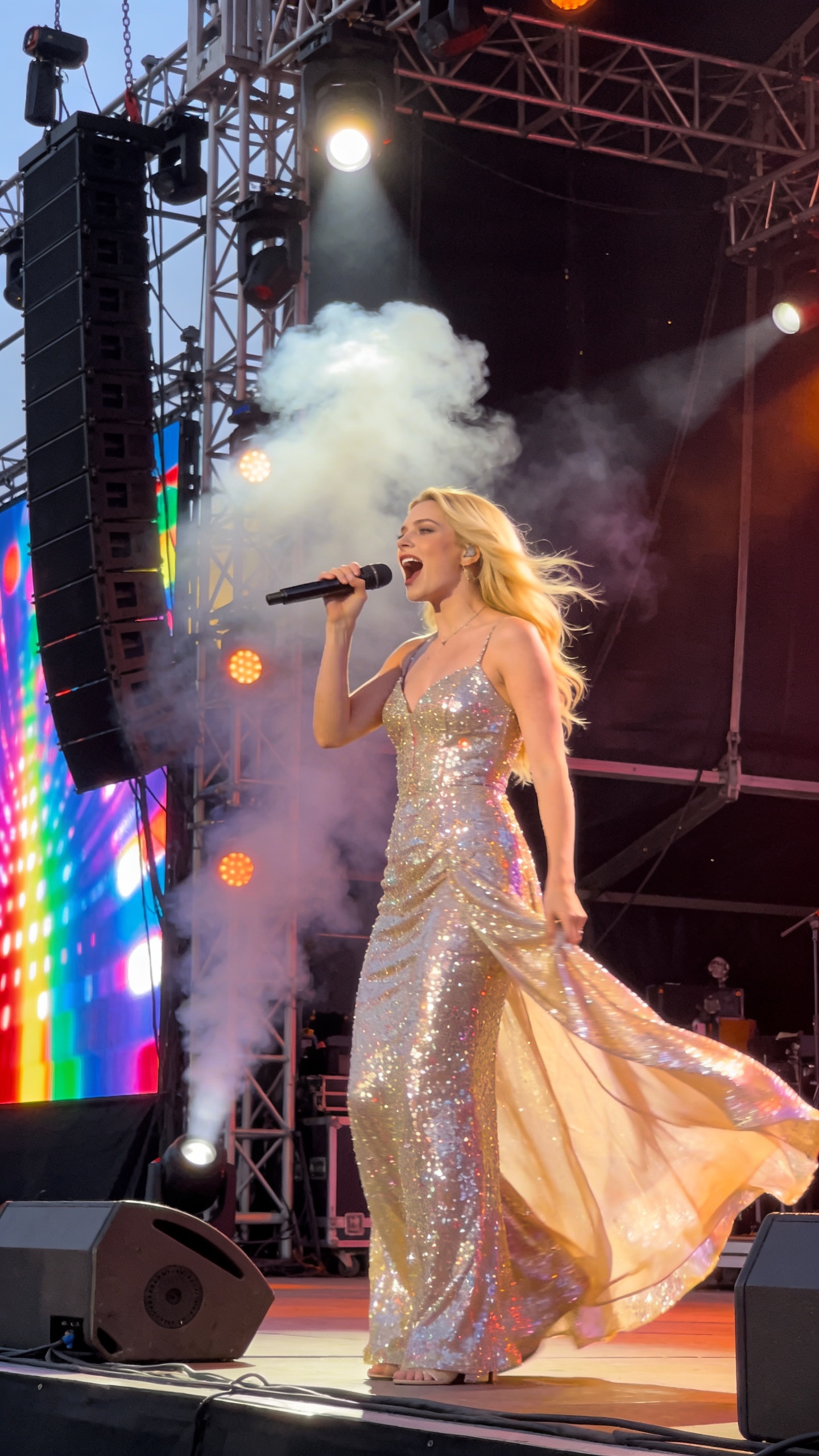
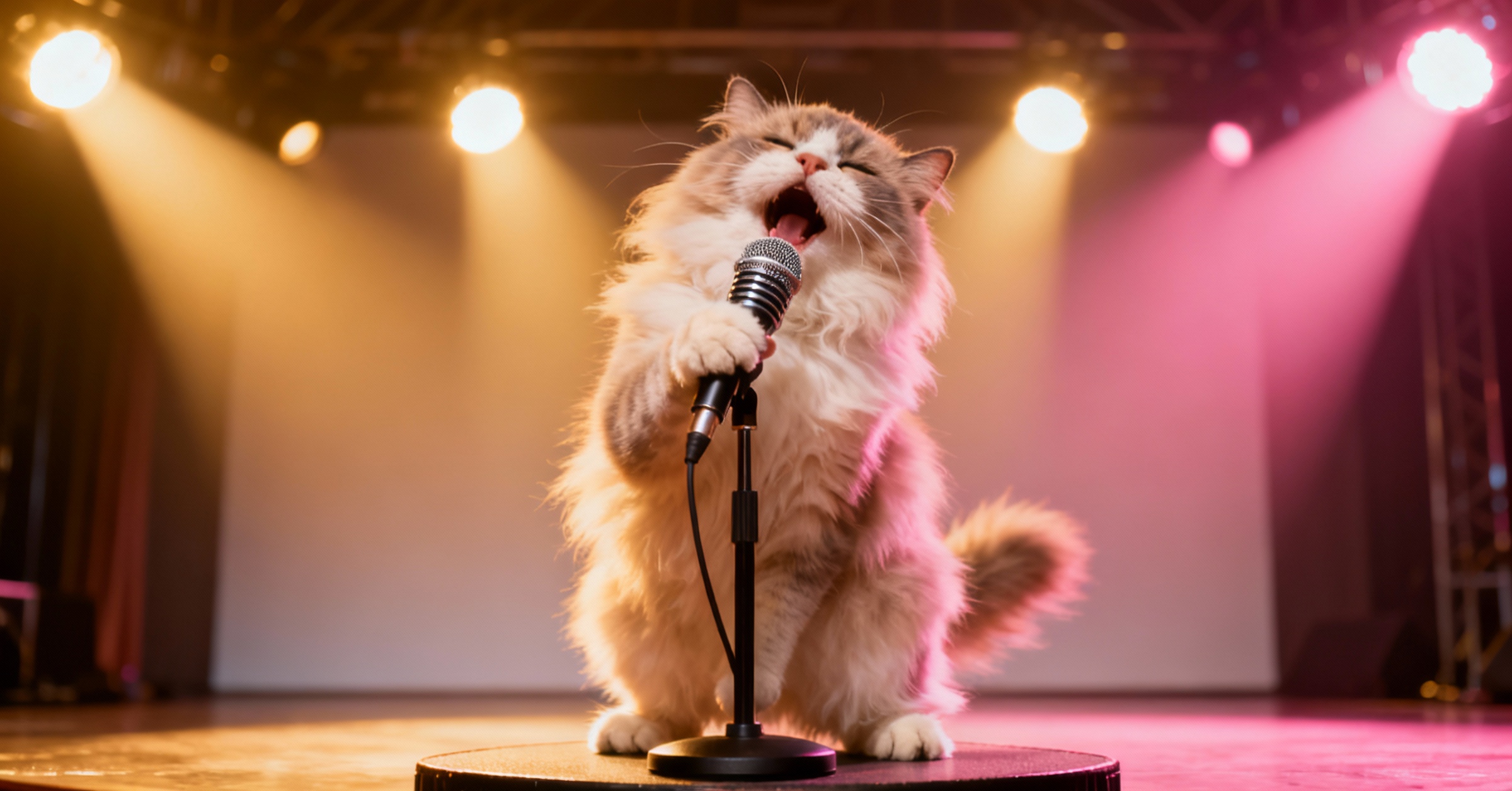


Wav2Lip vs Lipsync Studio: Side-by-Side
| Feature | Wav2Lip | Lipsync Studio |
|---|---|---|
| Output Quality | 96px Lip Region (Blurry) | 360p to 4K (Crystal Clear) |
| Max Duration | GPU-Dependent (Usually < 3 min) | Up to 10 Minutes |
| Setup Required | Python + GPU + CLI | Browser-Based (Any Device) |
| Occlusion Handling | Glitches on Beards/Mics | Occlusion-Proof |
| Watermark | Unspecified | No Watermark |
| Commercial License | Non-Commercial Only | Fully Commercial |
Why Creators Switch from Wav2Lip
- Blurry Lip Region Ruins the Video
- Wav2Lip only processes the mouth area at 96 pixels, so the lips look soft and blurry while the rest of the video stays sharp. It's immediately noticeable and unprofessional. Lipsync Studio outputs from 360p to full 4K, and the lip area matches the rest of your footage perfectly.
- Not Allowed for Commercial Use
- Wav2Lip's README explicitly states its open-source results are for research/academic/personal use only, and commercial use is prohibited. If you're making content for a brand, client, or business, you're at legal risk. Lipsync Studio is built for commercial use from day one.
- Installing It Is a Nightmare
- Python, CUDA drivers, specific library versions, downloading model weights... just getting Wav2Lip to run can take hours. And if anything breaks, you're on your own. With Lipsync Studio, you open your browser and start generating. No install, no command line, works on any device.
- Videos Limited to Short Clips
- Wav2Lip's output length is limited by your GPU memory and compute power, and most users can only generate clips of a few minutes at best. Lipsync Studio supports continuous lip sync up to 10 minutes, perfect for full scenes, presentations, or dubbing entire videos.
- Two People Talking? Only One Gets Synced
- Wav2Lip has no way to target a specific face. In group shots, podcasts, or interviews, it either syncs the wrong person or creates artifacts on both faces. Lipsync Studio lets you upload a mask to control exactly who speaks and who stays still.
- Beards, Mics & Hands Break the Sync
- Anything partially covering the mouth, such as a microphone, facial hair, or a hand gesture, causes Wav2Lip to glitch with 'double mouth' artifacts. Our Occlusion-Proof AI handles these naturally, keeping lip sync clean even in challenging shots.
- Songs? Wav2Lip Can't Handle Them
- Wav2Lip was designed for speech audio only. Try syncing a song and the lip movements fall completely out of rhythm. Lipsync Studio supports both speech and singing, making it ideal for music videos, covers, and creative content.
- No Built-In Creative Tools
- Need to generate the audio first? Or create an image to animate? Wav2Lip is just a script, so you need separate tools for everything else. Lipsync Studio includes Text-to-Speech, AI Voice Cloning, Image Generation, and editing all in one dashboard.
Lip Sync AI & Animation Pricing
Choose a plan to instantly access Lip Sync AI-powered lip sync animation. Create perfectly synchronized character lip sync and cartoon lip sync videos for your creative projects.
Standard
* Annual credits are issued in full upon purchase and refreshed annually.
- Private Lip Sync AI animation videos allowed
- High quality auto lip sync output
- Advanced Lip Sync AI model
- Priority Lip Sync AI generation
Pro
* Annual credits are issued in full upon purchase and refreshed annually.
- Private Lip Sync AI animation videos allowed
- High quality auto lip sync output
- Advanced Lip Sync AI model
- Priority Lip Sync AI generation
Basic
* Annual credits are issued in full upon purchase and refreshed annually.
- Private Lip Sync AI animation videos allowed
- High quality auto lip sync output
- Advanced Lip Sync AI model
- Priority Lip Sync AI generation
One-Time Purchase
Pay as you go. Credits never expire.
Wav2Lip vs Lipsync Studio — Common Questions
Is Wav2Lip really not allowed for commercial use?
Correct. Wav2Lip's official GitHub README explicitly states that outputs are for 'research/academic/personal' use only and that commercial use is prohibited (due to the LRS2 training data license). If you need lip sync for any business, brand, or client work, Lipsync Studio is commercially licensed by default.
Do I need to install anything or own a GPU?
No. Lipsync Studio runs entirely in the cloud. Just open your browser on any phone, tablet, or laptop. No Python, no CUDA, no terminal commands. We render 720p video at about 10 to 20 seconds per second of output, so results come back fast.
Can I lip sync a song or music video?
Yes! Wav2Lip was designed for speech only, so singing audio produces poor results. Lipsync Studio handles both speech and singing with accurate lip synchronization, making it perfect for music videos, AI covers, and creative content.
What about podcasts or videos with multiple people?
We support multi-person scenes with visual mask controls. You can specify exactly which face to animate and which to keep still, making it ideal for podcasts, interviews, and group shots. Wav2Lip has no such feature.
How long can the generated videos be?
Up to 10 minutes of continuous lip sync with stable quality. Most open-source tools like Wav2Lip are limited to short clips due to GPU memory constraints. We handle the compute on our cloud infrastructure.
What types of characters can I use?
Lipsync Studio works with realistic humans, anime, cartoons, animals, pets, and virtually any character with a visible mouth. Wav2Lip also claims support for CGI faces, but Lipsync Studio additionally supports singing, image-to-video animation, and multi-speaker scenarios.