The InfiniteTalk Alternative With No Color Drift, 4K Quality & 10-Minute Videos
InfiniteTalk regenerates the entire video, which is impressive, but your colors drift after 60 seconds, faces morph mid-clip, and it only works with real humans. Lipsync Studio gives you crystal-clear 4K lip sync that stays perfect for up to 10 minutes. Plus singing support, anime & animal characters, and built-in voice & image tools. Just upload, sync, and download.
An expressive AI avatar video generator with stronger portrait control, better preservation of text and fine details in the source image, and prompt-guided emotion, facial expression, and motion style. Best for presentations, product demos, and performance scenes.
*1. Upload, Generate, or Edit Photo
*2. Upload Audio or Generate Audio
Log in to get daily credits and start generating videos. Your tasks will continue in the background if you close the page. Please do not submit the same task repeatedly. You can find your previous generations on the My Creations page.
*1. Upload, Generate, or Edit Photo
*2. Upload Audio or Generate Audio
Log in to get daily credits and start generating videos. Your tasks will continue in the background if you close the page. Please do not submit the same task repeatedly. You can find your previous generations on the My Creations page.
How to Generate Lip Sync Videos
Pick the workflow that matches your source media and goal, then use the model, upload, and masking tips to get cleaner lip sync results.
Create a Singing or Speech Video from One Image
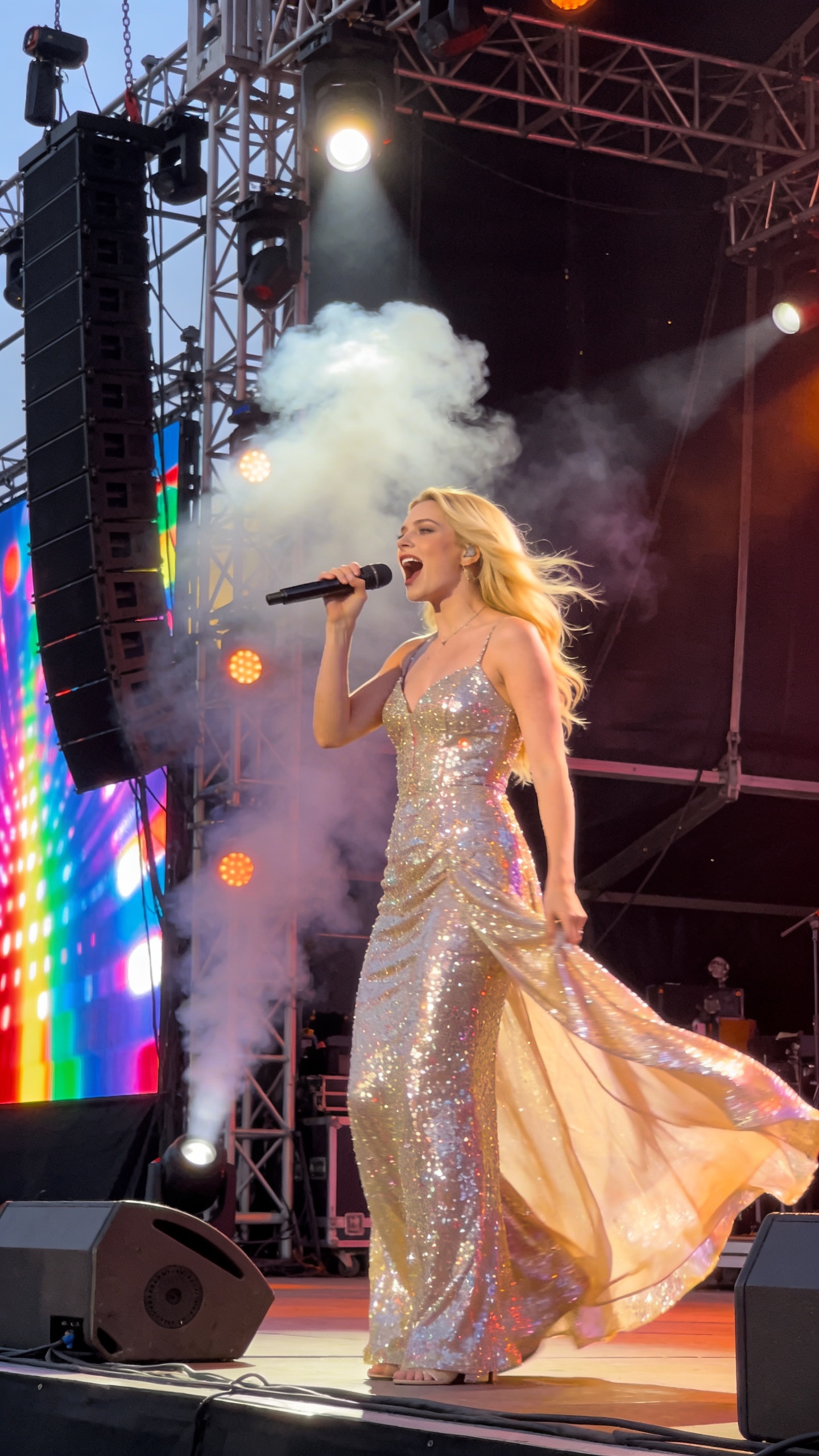
Turn a portrait into a singing, speaking, or presentation-style video with one image and one audio file. Use it for talking avatars, virtual hosts, lectures, music portraits, and social clips.

InfiniteTalk vs Lipsync Studio: Side-by-Side
| Feature | InfiniteTalk | Lipsync Studio |
|---|---|---|
| Color Stability | Drifts after 60s | Perfect Consistency |
| Max Duration | ~40s (Quality Degrades) | Up to 10 Minutes |
| Character Types | Humans Only | Humans, Anime, Animals & More |
| Singing Support | Speech Only | Speech & Singing |
| Watermark | Unspecified | No Watermark |
| Max Resolution | 720p | Up to 4K |
Why Creators Switch from InfiniteTalk
- Colors Shift After Just 60 Seconds
- InfiniteTalk's own team documents this: videos longer than one minute gradually drift to washed-out, unnatural colors. You can't send that to a client or post it online. Lipsync Studio maintains perfect color consistency from the first frame to the last, even for 10-minute videos.
- The Face Changes Mid-Video
- In longer clips, InfiniteTalk can lose track of identity. Your subject's face subtly morphs, and by the end they may not even look like themselves. Lipsync Studio locks onto the original face and preserves every detail, every frame.
- 40 Seconds Is the Real Limit
- InfiniteTalk's default output is only about 40 seconds. You can push it longer, but quality degrades rapidly with color shifts and visual artifacts. Lipsync Studio supports continuous, high-quality lip sync for up to 10 minutes, perfect for full scenes, tutorials, or presentations.
- Only Works with Real Humans
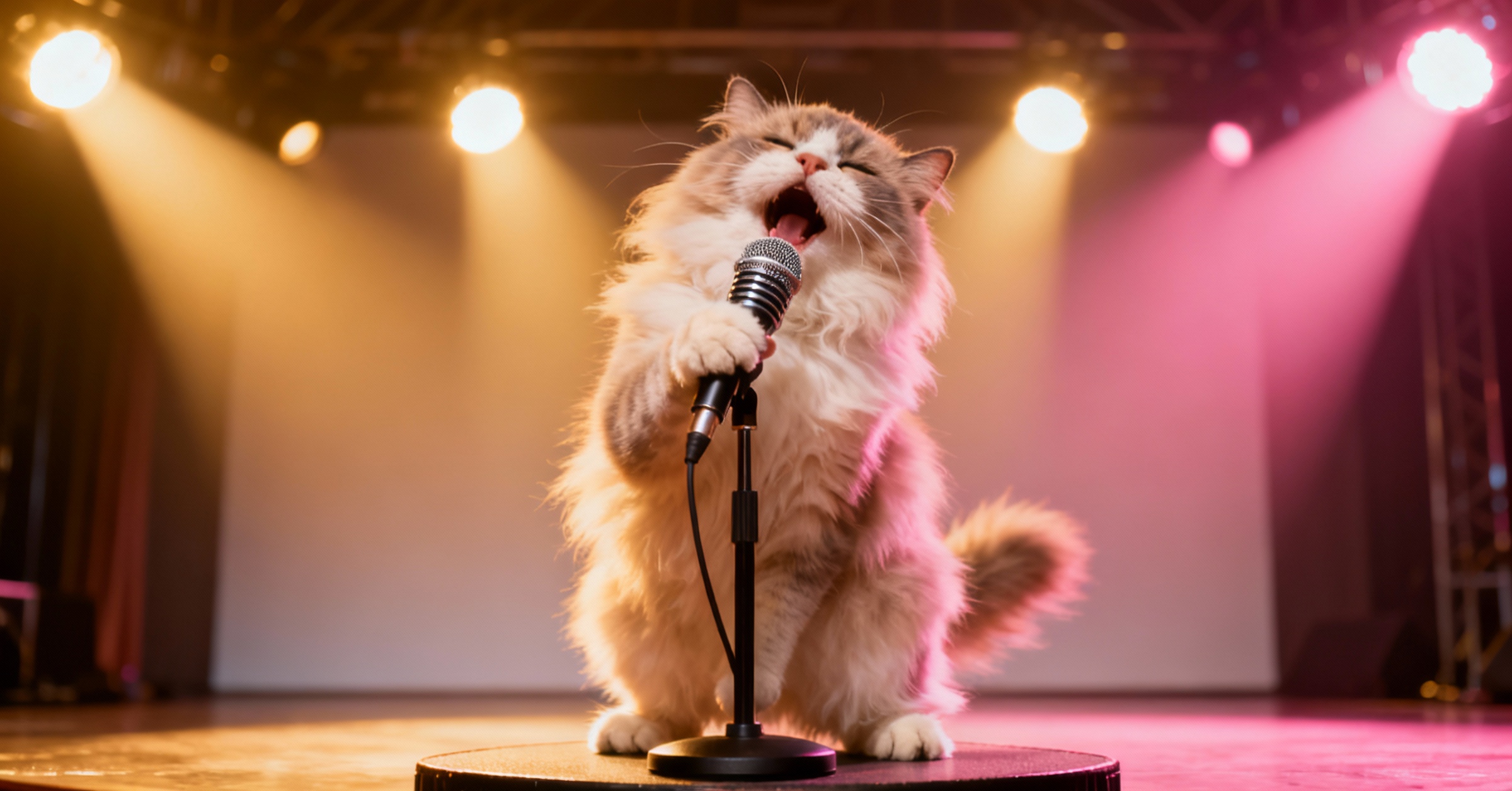
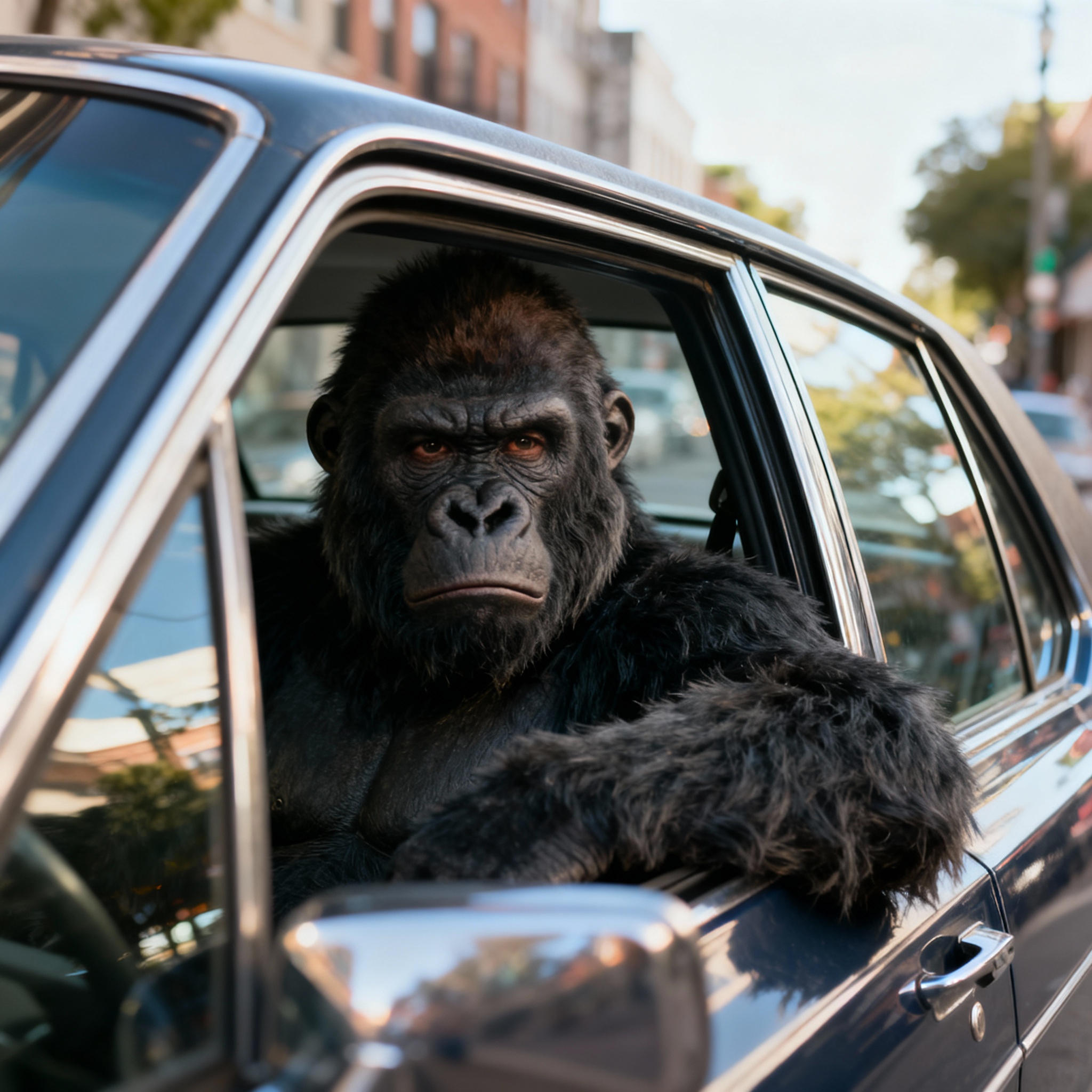
- Want to lip sync a cartoon, an anime character, or your pet? InfiniteTalk only supports realistic human faces. Lipsync Studio works with anime, animals, stylized characters, and virtually anything with a visible mouth.
- Can't Handle Songs or Music
- InfiniteTalk is built for speech only. Try syncing a song and the lip movements fall completely out of rhythm. Lipsync Studio handles both speech and singing perfectly, making it ideal for music videos, AI covers, and creative content.
- No Way to Choose Who Speaks
- Got two people on screen? InfiniteTalk has no visual way to pick which face to animate. Lipsync Studio lets you paint a simple mask to control exactly who speaks and who stays still, perfect for podcasts, interviews, and dialogues.
- Doesn't Handle Obstructions Well
- Microphones, beards, and hands near the mouth are everyday scenarios that can cause visible glitches. Lipsync Studio's Occlusion-Proof AI handles all of these naturally, keeping the lip sync clean and artifact-free.
- Maxes Out at 720p
- InfiniteTalk only supports up to 720p resolution. Lipsync Studio offers output from 360p all the way up to 4K, giving you the sharpness you need for any project, any platform.
- No Built-In Voice or Image Tools
- Need to generate a voiceover? Clone someone's voice? Create an image to animate? With InfiniteTalk, you need separate tools for all of that. Lipsync Studio includes Text-to-Speech, AI Voice Cloning, and Image Generation, all in one place.
- Every Output Gets a Watermark (or Is Unspecified)
- Many platforms hosting InfiniteTalk add watermarks to free outputs, and the original project doesn't specify a watermark policy. Every video from Lipsync Studio is completely watermark-free, ready for commercial use.
Lip Sync AI & Animation Pricing
Choose a plan to instantly access Lip Sync AI-powered lip sync animation. Create perfectly synchronized character lip sync and cartoon lip sync videos for your creative projects.
Standard
* Annual credits are issued in full upon purchase and refreshed annually.
- Private Lip Sync AI animation videos allowed
- High quality auto lip sync output
- Advanced Lip Sync AI model
- Priority Lip Sync AI generation
Pro
* Annual credits are issued in full upon purchase and refreshed annually.
- Private Lip Sync AI animation videos allowed
- High quality auto lip sync output
- Advanced Lip Sync AI model
- Priority Lip Sync AI generation
Basic
* Annual credits are issued in full upon purchase and refreshed annually.
- Private Lip Sync AI animation videos allowed
- High quality auto lip sync output
- Advanced Lip Sync AI model
- Priority Lip Sync AI generation
One-Time Purchase
Pay as you go. Credits never expire.
InfiniteTalk vs Lipsync Studio — Common Questions
Why does InfiniteTalk change colors in longer videos?
InfiniteTalk regenerates the entire video frame by frame using a diffusion process, which gradually loses visual coherence over time. This is a known limitation documented by the creators, and videos beyond 60 seconds often show noticeable color shifts. Lipsync Studio uses a different approach that targets only the lip region, keeping your original video's look perfectly intact.
Can I lip sync a song or music video?
Yes! InfiniteTalk is designed for speech-driven animation only, so singing audio produces poor results. Lipsync Studio handles both speech and singing with accurate lip synchronization, making it perfect for music videos, AI covers, and creative content.
Does it work with cartoon or animal characters?
Absolutely. InfiniteTalk only works with realistic human faces. Lipsync Studio supports anime, cartoons, animals, pets, and virtually any character with a visible mouth.
How long can the generated videos be?
Up to 10 minutes of continuous lip sync with stable quality. InfiniteTalk defaults to about 40 seconds, and pushing it longer causes quality degradation with color drift and visual artifacts.
Can I use the output for commercial projects?
Yes! All content generated on Lipsync Studio is watermark-free and comes with a commercial license. You can use it for client work, social media, ads, or any business purpose.
What about podcasts or videos with multiple people?
We support multi-person scenes with an intuitive visual mask tool. Just paint over the face you want to animate, and it works perfectly for podcasts, interviews, and group shots. InfiniteTalk has no visual interface for this.