The LatentSync Alternative That's Sharp, Simple, and Just Works
LatentSync promises great lip sync, but the results come out blurry, only last a few seconds, and can't handle songs or photos. Lipsync Studio gives you sharp, professional results up to 4K and 10 minutes long. Upload your video or photo, add your audio, and get your video back in seconds, not minutes. It's that simple.
An expressive AI avatar video generator with stronger portrait control, better preservation of text and fine details in the source image, and prompt-guided emotion, facial expression, and motion style. Best for presentations, product demos, and performance scenes.
*1. Upload, Generate, or Edit Photo
*2. Upload Audio or Generate Audio
Log in to get daily credits and start generating videos. Your tasks will continue in the background if you close the page. Please do not submit the same task repeatedly. You can find your previous generations on the My Creations page.
*1. Upload, Generate, or Edit Photo
*2. Upload Audio or Generate Audio
Log in to get daily credits and start generating videos. Your tasks will continue in the background if you close the page. Please do not submit the same task repeatedly. You can find your previous generations on the My Creations page.
How to Generate Lip Sync Videos
Pick the workflow that matches your source media and goal, then use the model, upload, and masking tips to get cleaner lip sync results.
Create a Singing or Speech Video from One Image
Turn a portrait into a singing, speaking, or presentation-style video with one image and one audio file. Use it for talking avatars, virtual hosts, lectures, music portraits, and social clips.
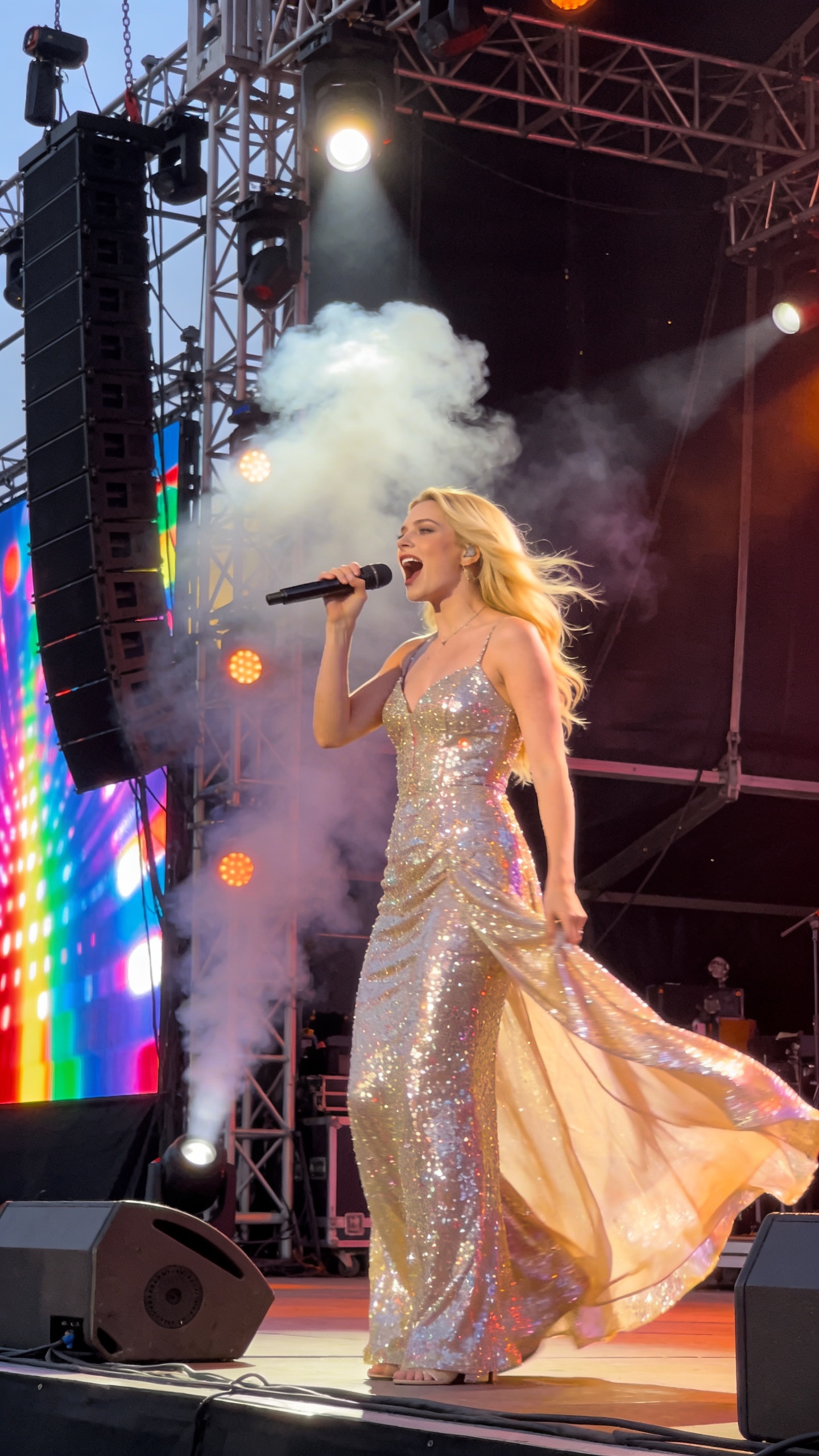
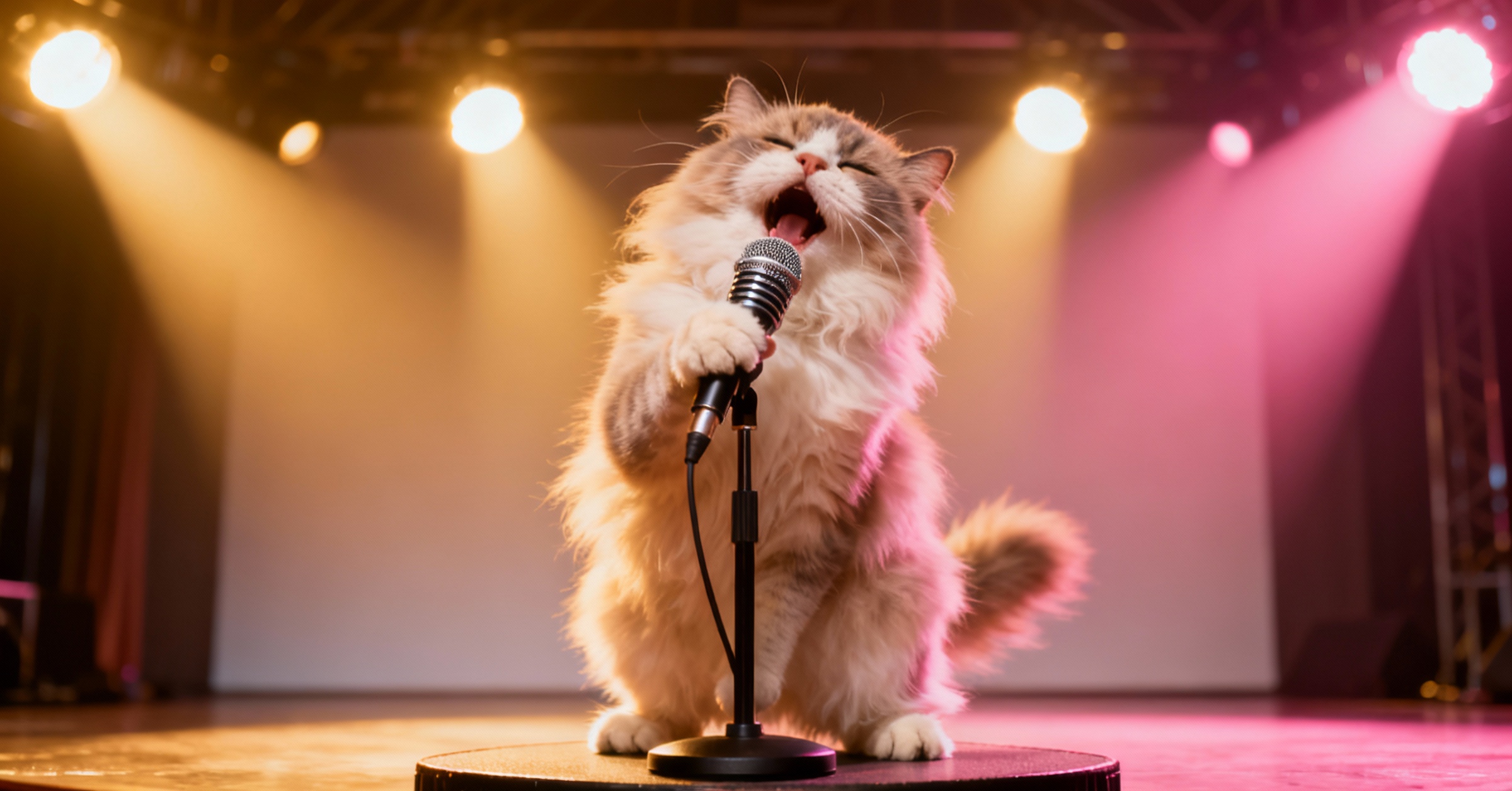


LatentSync vs Lipsync Studio: Side-by-Side
| Feature | LatentSync | Lipsync Studio |
|---|---|---|
| Video Sharpness | Blurry & Fuzzy | Crystal Clear (Up to 4K) |
| Video Length | ~10 Seconds Max | Up to 10 Minutes |
| Generation Speed | Minutes for a Short Clip | About 10 to 20s per Second of Video |
| Handles Obstructions | Glitches on Beards/Mics | Works Perfectly |
| Character Types | Humans & Some Anime | Humans, Anime, Animals & More |
| Watermark | Unclear | No Watermark Ever |
Why Creators Switch from LatentSync
- The Video Comes Out Blurry, Every Time
- You wanted a sharp, professional-looking video. But LatentSync produces faces that look soft, fuzzy, and low-resolution, like watching through frosted glass. It's instantly noticeable and you can't use it for anything serious. With Lipsync Studio, your video looks crisp and clear, all the way up to 4K quality.
- The Face Keeps Changing Throughout the Video
- Ever watched your LatentSync result and noticed the person's face slowly changes? The skin tone shifts, features look different, and by the end they barely look like themselves. Lipsync Studio keeps the face perfectly consistent from start to finish, with no shifting and no morphing.
- You Can Only Make a Few Seconds at a Time
- Need a 2-minute video for YouTube or a 5-minute presentation? LatentSync can only handle about 10 seconds before the quality falls apart. Lipsync Studio lets you create up to 10 minutes of smooth, uninterrupted lip sync, ideal for full videos, tutorials, or dubbing projects.
- You Can't Start from a Photo
- Have a great headshot, character illustration, or avatar you want to make talk? LatentSync only works with existing videos and can't bring a photo to life. Lipsync Studio works with both photos and videos, so you can create talking content from anything.
- Beards, Microphones, or Hands Near the Face? It Breaks
- In real-world videos, something often partially covers the mouth, whether it's a microphone during a podcast, a beard, or a hand gesture. LatentSync glitches badly in these situations, producing weird visual artifacts. Lipsync Studio handles all of these naturally, keeping the lip sync clean and realistic.
- It Can't Sync Songs, Only Talking
- Want to make a music video or have a character sing? LatentSync only works with normal speech. If you try a song, the lips completely miss the rhythm. Lipsync Studio works perfectly with both talking and singing audio.
- Two People on Screen? It Can't Handle That
- Trying to make a podcast, interview, or any scene with two speakers? LatentSync has no way to choose which person should be talking. It might sync the wrong face or glitch on both. With Lipsync Studio, you simply mark which person should speak. It's easy and accurate.
- Results Take Forever to Generate
- With LatentSync, you wait and wait. A short clip can take minutes to process. Lipsync Studio generates each second of video in just 10 to 20 seconds, so a 1-minute video is ready in under 5 minutes. You spend less time waiting and more time creating.
- No Built-In Voice or Image Tools
- Need to create a voiceover first? Or clone someone's voice? Or generate a character image? LatentSync is just a lip sync tool, so you need separate apps for everything else. Lipsync Studio includes Text-to-Speech, Voice Cloning, and Image Generation all in one place, so you can go from idea to finished video without leaving the site.
- Not Clear If You Can Use It for Business
- LatentSync has a complicated mix of licenses that makes it unclear whether you can legally use the results for commercial content like ads, client work, or social media marketing. With Lipsync Studio, every video you create is 100% yours to use commercially, with no legal worries and no watermarks.
Lip Sync AI & Animation Pricing
Choose a plan to instantly access Lip Sync AI-powered lip sync animation. Create perfectly synchronized character lip sync and cartoon lip sync videos for your creative projects.
Standard
* Annual credits are issued in full upon purchase and refreshed annually.
- Private Lip Sync AI animation videos allowed
- High quality auto lip sync output
- Advanced Lip Sync AI model
- Priority Lip Sync AI generation
Pro
* Annual credits are issued in full upon purchase and refreshed annually.
- Private Lip Sync AI animation videos allowed
- High quality auto lip sync output
- Advanced Lip Sync AI model
- Priority Lip Sync AI generation
Basic
* Annual credits are issued in full upon purchase and refreshed annually.
- Private Lip Sync AI animation videos allowed
- High quality auto lip sync output
- Advanced Lip Sync AI model
- Priority Lip Sync AI generation
One-Time Purchase
Pay as you go. Credits never expire.
LatentSync vs Lipsync Studio — Your Questions Answered
How long can my videos be?
Up to 10 minutes with consistent, stable quality. LatentSync can only handle about 10 seconds before the quality drops, which is far too short for most real projects.
Can I make someone sing, not just talk?
Yes! Lipsync Studio works with both talking and singing audio. LatentSync only supports speech, so songs will look off-beat and unnatural.
Can I make a photo come to life (not just edit a video)?
Absolutely. Upload any photo, whether it's a headshot, anime character, pet, or avatar, and we'll turn it into a full talking or singing video. LatentSync can only work with existing videos.
Can I use the videos for my business or social media?
Yes! Every video you create is yours to use however you want, including for clients, YouTube, TikTok, ads, or any commercial purpose. There are no watermarks and no legal restrictions. LatentSync's licensing terms are complicated and may not cover commercial use.
Does it only work with real people, or also cartoons and animals?
It works with almost anything that has a mouth! Real people of all ages, anime characters, cartoons, animals, pets, and even stylized illustrations. LatentSync mostly works with real human faces and has very limited support for other styles.
Can I make a podcast or video with two people talking?
Yes! You can easily mark which person in the frame should be speaking. This makes it perfect for podcasts, interviews, and dialogue scenes. LatentSync has no way to handle multiple speakers in one video.
How fast does it generate videos?
Very fast. Each second of video takes about 10 to 20 seconds to generate. A 1-minute clip is typically ready in under 5 minutes. LatentSync is significantly slower, often taking minutes just for a short clip.