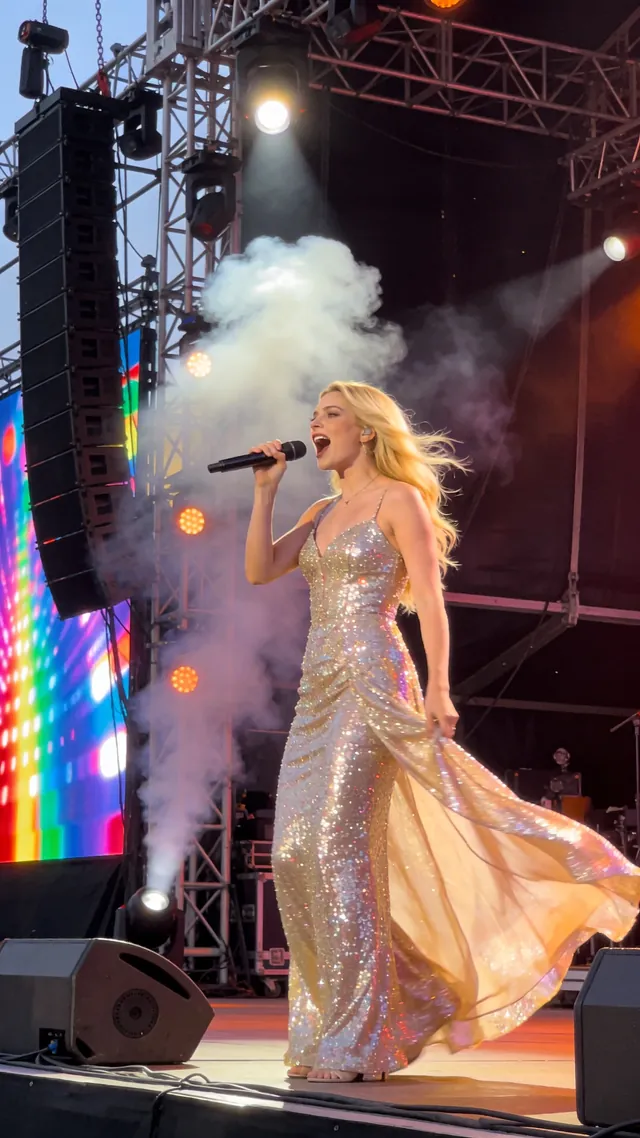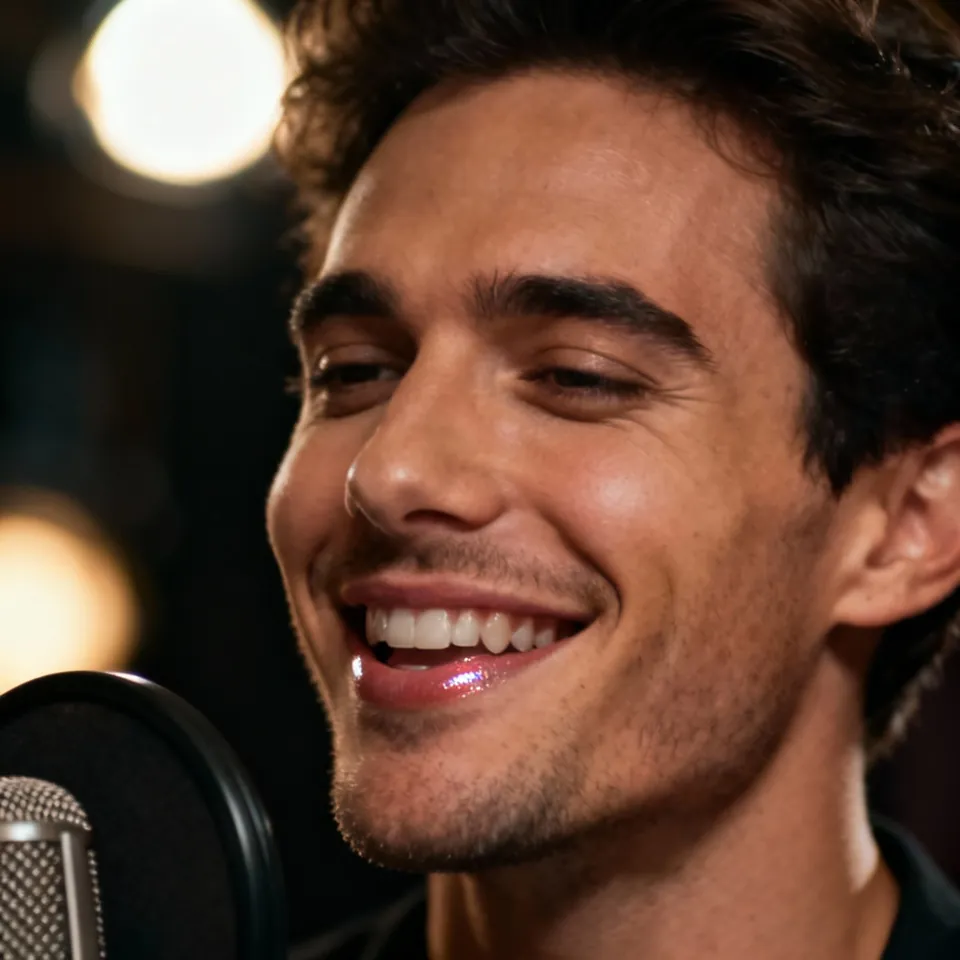
Audio to Video AI: Give Your Voice a Visual Presenter

Turn a voice recording, narration, or spoken message into a presenter video. Upload a portrait, add your audio, and describe how the character should perform. The image establishes the person and framing, while the recording supplies the spoken performance. Create narrated explainers, course introductions, and voice-led social clips without recording a separate on-camera presentation.

An expressive AI avatar video generator with stronger portrait control, better preservation of text and fine details in the source image, and prompt-guided emotion, facial expression, and motion style. Best for presentations, product demos, and performance scenes.

*1. Upload, Generate, or Edit Photo

*2. Upload Audio or Generate Audio

Public

Log in to get daily credits and start generating videos. Your tasks will continue in the background if you close the page. Please do not submit the same task repeatedly. You can find your previous generations on the My Creations page.

Turn Recorded Audio into a Presenter Video

Audio to video AI combines a portrait and an audio track to generate a speaking or singing presenter. The image defines the visible character and framing; the audio defines the performance. Use it for narration-led content rather than expecting audio alone to create a complete sequence of scenes.

Turn Narration into a Visible Presentation

Give a tutorial, introduction, or explanation an on-screen presenter using audio you already recorded. Choose a portrait that fits the message, add the narration, and direct the performance. This workflow is useful when your script and voice track are ready but you have no on-camera recording.

Upload a Recording or Create Speech from Text

Use an existing voice-over, record directly in the audio panel, or generate speech from your written script. Listen to the complete track before submitting, particularly names, technical terms, and pauses. The selected audio becomes the timing and delivery source for the video.

Guide Expression and Delivery with a Prompt

Describe a focused performance, such as a calm explanation with gentle head movement. Keep the direction connected to how the presenter should behave. Review a short passage to check the visual delivery before creating the longer narrated video.

Why Choose This Audio to Video Workflow?

High-Resolution Video up to 4K

Create sharp videos for full-screen viewing, social posts, courses, and client projects. Supported lip sync workflows offer output up to 4K, with the available resolution shown for each model.

Real People, Anime, and Animal Characters

Bring more than a human headshot to life. Create performances with realistic portraits, anime faces, illustrated characters, and animals using the workflow suited to your source.

Natural Expressions and Expressive Motion

Create a performance with facial expression, head movement, and a delivery that fits the audio. Use prompt controls in supported models to direct the mood and movement of the character.

Strong Character Consistency

Keep the character recognizable through the performance, using the source face and reference details as the visual foundation. Build videos around the person, animal, or design your audience already knows.

Your Voice, AI Speech, and Music Together

Upload a recording, record directly, or use built-in text-to-speech, voice tools, and music creation. Prepare the performance you want before bringing it into the video.

Video, Image, and Audio Creation on One Page

Generate the image, prepare speech or music, animate the character, and review the video in one workspace. Built-in image, audio, voice, and video tools keep your creative workflow together.

Audio to Video AI Questions

How do I turn audio into video with AI?
Upload a portrait and a speech recording, enter a performance prompt, and select the output settings. Generate the video, then review mouth movement and delivery before downloading the result.
Can I generate a video from audio alone?
This workflow also requires an image to define the presenter’s appearance and framing. Audio supplies the performance; it does not specify the character or automatically generate a complete series of visual scenes.
Can I use a voice-over I already recorded?
Yes. Upload the narration through the audio panel and listen to it before generation. Intelligible speech with limited background noise provides a clearer performance source than a recording with heavy interference.
Can I type a script instead of uploading audio?
Use Text to Speech to turn your script into an audio track. Preview the voice, pronunciation, and pacing, then use that generated speech with the presenter image to create the video.
Is this an audio visualizer or a presenter tool?
This page creates a presenter driven by an audio performance. For a music-led production containing multiple planned scenes and shots, use the Music Video Generator rather than expecting this portrait workflow to assemble the whole production.
How can I improve a narration-to-video result?
Use a clear, unobstructed face, intelligible audio, and a prompt focused on delivery. Begin with a short passage and review mouth movement, framing, and expression before generating a longer narrated clip.

Lip Sync AI & Animation Pricing

Choose a plan to instantly access Lip Sync AI-powered lip sync animation. Create perfectly synchronized character lip sync and cartoon lip sync videos for your creative projects.

Standard

$49.99
$39.99/mo
-20%
💎16,000credits
= 12,000 base credits
+ 4,000 bonus credits 🎁+30%

* Annual credits are issued in full upon purchase and refreshed annually.

  • Private Lip Sync AI animation videos allowed
  • High quality auto lip sync output
  • Advanced Lip Sync AI model
  • Priority Lip Sync AI generation

Secure payments

Payment options vary by device and region.

Save 50%

Pro

$99.99
$79.99/mo
-20%
💎33,000credits
= 25,200 base credits
+ 7,800 bonus credits 🎁+30%

* Annual credits are issued in full upon purchase and refreshed annually.

  • Private Lip Sync AI animation videos allowed
  • High quality auto lip sync output
  • Advanced Lip Sync AI model
  • Priority Lip Sync AI generation

Secure payments

Payment options vary by device and region.

Basic

$29.99
$24.99/mo
-17%
💎7,000credits
= 5,400 base credits
+ 1,600 bonus credits 🎁+30%

* Annual credits are issued in full upon purchase and refreshed annually.

  • Private Lip Sync AI animation videos allowed
  • High quality auto lip sync output
  • Advanced Lip Sync AI model
  • Priority Lip Sync AI generation

Secure payments

Payment options vary by device and region.

One-Time Purchase

Pay as you go. Credits never expire.

Price
credits
$9999
300,000
$4999
140,000
$2999
80,000
$1999
40,000
$999
16,000
$499
8,000
$199
3,000

Secure payments

Payment options vary by device and region.

•
How to Use

How to Use Audio to Video AI

Unlock the full potential of your audio files using our state-of-the-art Audio to Video AI. Learn to make video from audio, create seamless image to video with audio synchronizations, and apply professional AI video dubbing to your projects in just a few clicks.

Revolutionary Audio to Video AI Technology

Our Audio to Video AI engine utilizes next-generation deep learning to bridge the gap between sound and sight. It precisely aligns phonemes with visual dynamics to make video from audio that looks natural and feels authentic. Experience the best in image to video with audio technology.

Effortless Audio to Video Workflow

01

Upload Audio

Import your soundtrack (WAV, MP3) to begin the audio to video ai process.

02

Select Visuals

Choose a reference image or avatar to transform with image to video with audio.

03

AI Processing

Our Audio to Video AI engine synthesizes the inputs to make video from audio.

04

Preview & Download

Review your stunning image to video with audio creation and download in high quality.

Professional Applications

Podcasters: Visualize your episodes with Audio to Video AI
Marketers: Make video from audio for high-converting ads
Educators: Turn lectures into engaging image to video with audio lessons
Content Creators: Produce viral shorts using Audio to Video AI
Musicians: Create lyric videos and visualizers to make video from audio
Business: Deliver impactful corporate updates with image to video with audio

Get Started with Audio to Video AI

Ready to transform your content? Upload your audio now and try our Audio to Video AI. Make video from audio instantly and explore the possibilities of image to video with audio. Free tiers available.