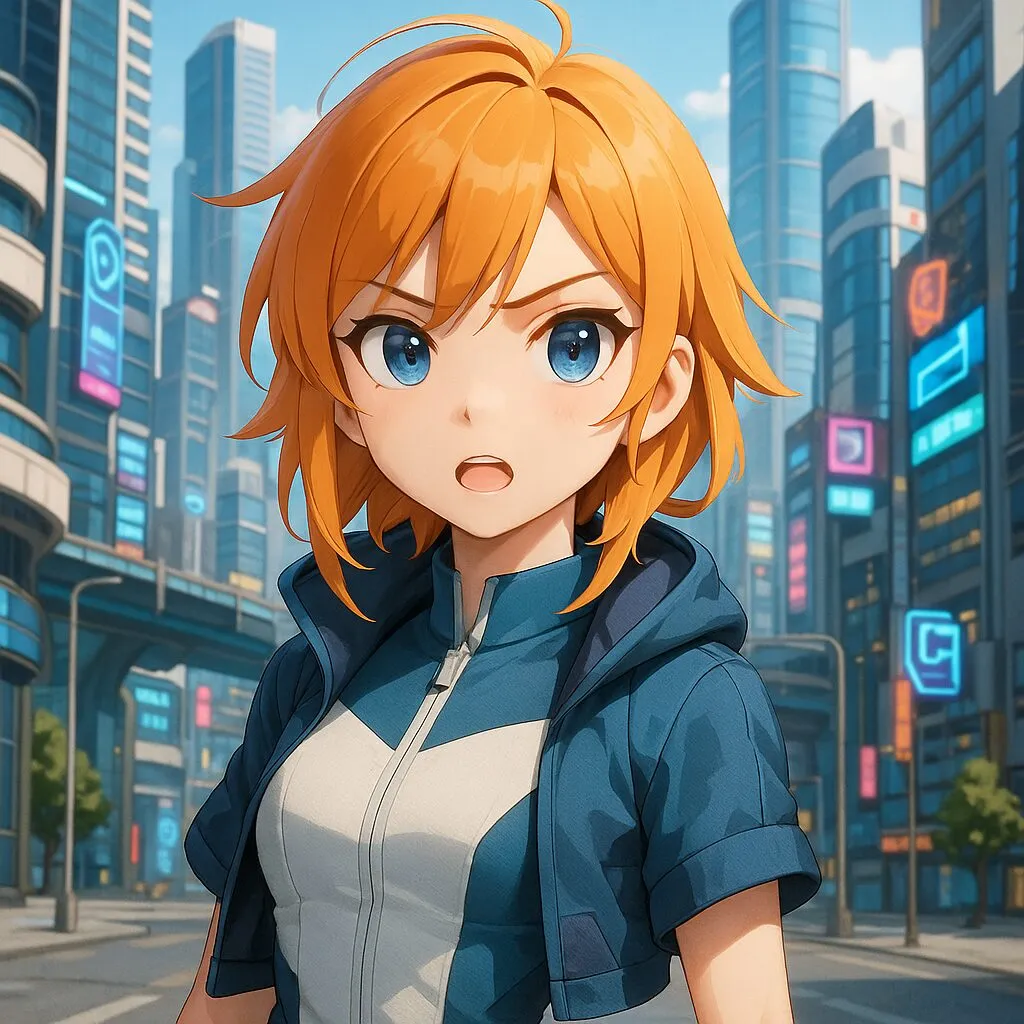
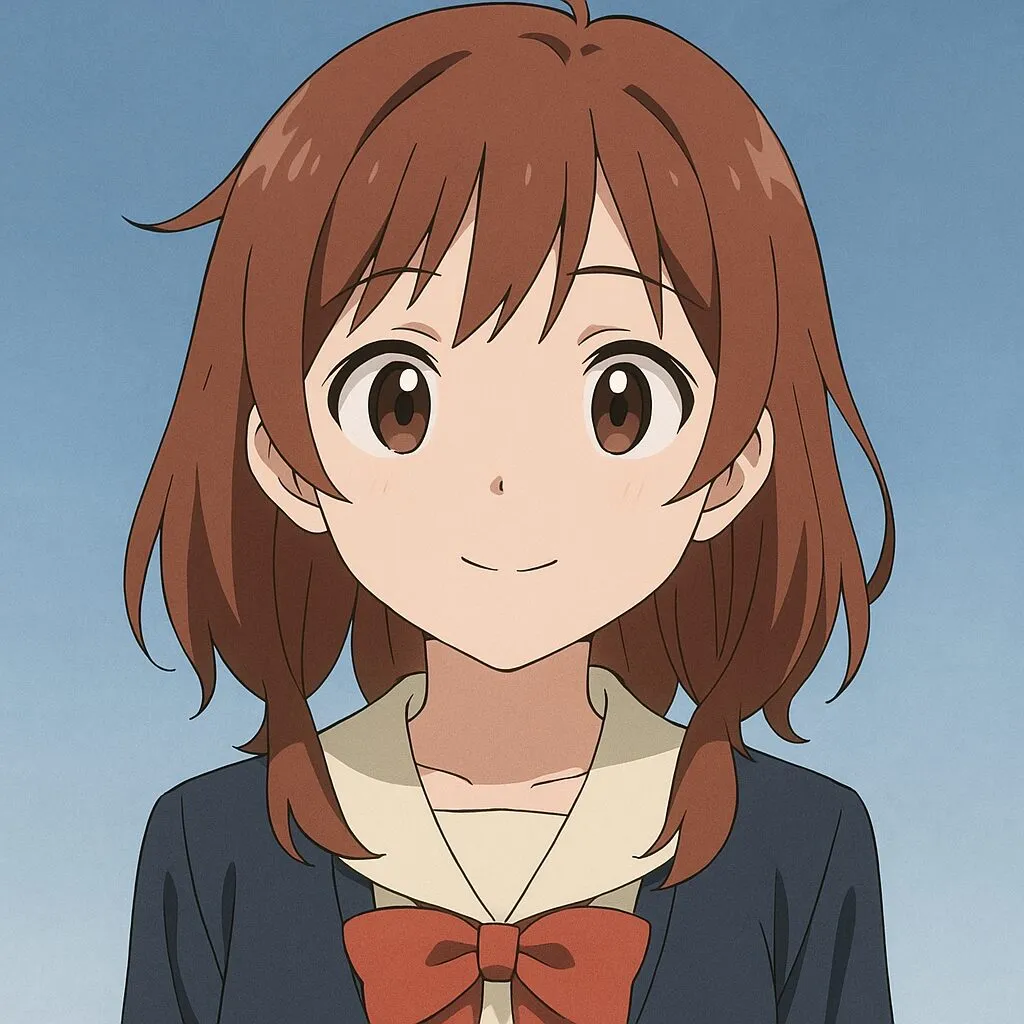
Cartoon Lip Sync: Make Your Characters Talk or Sing

Give an illustrated or rendered character a voice without preparing every mouth shape by hand. Upload character artwork, add speech or singing audio, and describe the performance you want. Create narrated characters, animated messages, and short musical clips. Preview the AI mouth movement, expression, and overall appearance before using the generated video in your project.

A versatile AI avatar video generator for creating talking avatar and lip sync videos from an image and audio. Supports longer audio, speaker control, animals, and stylized characters.

*1. Upload, Generate, or Edit Photo

*2. Upload Audio or Generate Audio

Black areas = Person does not speak. White areas = Person speaks.

Public

Log in to get daily credits and start generating videos. Your tasks will continue in the background if you close the page. Please do not submit the same task repeatedly. You can find your previous generations on the My Creations page.

Animate Lip Sync Examples - 2D, 3D & Cartoon Lip Sync

1–3 of 3
Reference image for 2D and cartoon lip sync animation example
Reference Images
2D & Cartoon

2D & Cartoon Lip Sync

Turn a portrait into a singing, speaking, or presentation-style video with one image and one audio file. Use it for talking avatars, virtual hosts, lectures, music portraits, and social clips.

Use this modelLip Sync Image (Max 10 min, speaker control)

Steps

  1. 1Upload a clear portrait image.
  2. 2Upload speech, narration, or singing audio.
  3. 3Generate the lip-synced video.
Tip

If the image contains text, or if you need stronger head movement and expression control, choose the expression and motion control image model.

Image to Lip Sync

Japanese Lip Sync Animation

Turn a portrait into a singing, speaking, or presentation-style video with one image and one audio file. Use it for talking avatars, virtual hosts, lectures, music portraits, and social clips.

Use this modelLip Sync Image (Max 10 min, speaker control)

Steps

  1. 1Upload a clear portrait image.
  2. 2Upload speech, narration, or singing audio.
  3. 3Generate the lip-synced video.
Tip

If the image contains text, or if you need stronger head movement and expression control, choose the expression and motion control image model.

Two Speakers

Generate a Two-Person Dialogue or Podcast Video

Create a podcast-style video where two people speak naturally. Upload a two-person image and provide one audio track for each speaker, or split a full podcast recording into separate speaker tracks first.

Use this modelLip Sync Image (Two Speakers)

Steps

  1. 1Upload a two-person image.
  2. 2Upload two audio tracks, one for each speaker.
  3. 3Generate the two-speaker lip sync video.
Tip

If you use audio separation, preview the separated tracks before generating. Each track should contain only the matching speaker's voice while preserving the original timing.

Create Lip Sync Animation from a Character Image

Cartoon lip sync turns a still character image and an audio recording into a rendered video performance. Use illustrated or rendered faces for narration, dialogue, or singing. The workflow generates video rather than exporting editable character rigs, phoneme charts, or layered animation projects.

Make a Cartoon Character Talk or Sing

Start with a clear character portrait and choose the audio performance you want. Spoken dialogue, narrated stories, and singing tracks use the same image-and-audio foundation. Test a short section to judge how the character’s design responds before making a longer clip.

Guide AI Mouth Movement and Expression

Describe the intended delivery in the prompt, such as a cheerful introduction or a restrained explanation. Keep expression and movement instructions focused on the performance. Review the mouth, face, and character appearance together rather than judging synchronization alone.

Use Illustrated and Rendered Characters

Try 2D artwork, generated portraits, or images rendered from a 3D character. Keep the face and mouth readable in the source. Unusual proportions, side views, and highly abstract designs may need a different image or a shorter test to establish a useful result.

Why Choose This Cartoon Lip Sync Workflow?

High-Resolution Video up to 4K

Create sharp videos for full-screen viewing, social posts, courses, and client projects. Supported lip sync workflows offer output up to 4K, with the available resolution shown for each model.

2D, 3D, Anime, and More Art Styles

Animate hand-drawn characters, 3D renders, anime portraits, comic illustrations, and other stylized faces. Give your existing design a spoken or sung performance without rebuilding its animation rig.

Natural Expressions and Expressive Motion

Create a performance with facial expression, head movement, and a delivery that fits the audio. Use prompt controls in supported models to direct the mood and movement of the character.

Strong Character Consistency

Keep the character recognizable through the performance, using the source face and reference details as the visual foundation. Build videos around the person, animal, or design your audience already knows.

Natural Dialogue and Singing Performances

Create spoken messages, narration, character dialogue, and song performances. Use your own voice or prepared audio to give each character the words, melody, and delivery you choose.

Video, Image, and Audio Creation on One Page

Generate the image, prepare speech or music, animate the character, and review the video in one workspace. Built-in image, audio, voice, and video tools keep your creative workflow together.

Cartoon Lip Sync and Character Animation Questions

How can I make a cartoon character talk?
Upload a character image with a clear face and mouth, add spoken audio, and describe the performance. Generate a short video and review how the mouth, expression, and movement follow the recording before creating a longer clip.
Can I make a cartoon character sing?
Yes. Supply a singing track as the audio performance. Clear vocals provide a useful starting point. Fast lyrics, strong effects, and heavily stylized faces should be tested with a short passage first.
Does cartoon lip sync work with 2D and 3D characters?
You can try illustrated characters and images rendered from 3D designs. A readable face and visible mouth help. Unusual proportions, side views, and abstract artwork may animate differently, so review a short sample before a longer performance.
Do I need to draw separate mouth shapes?
This workflow begins with a character image and audio, so it does not require a prepared phoneme or mouth-shape set. If you need precise frame-by-frame control, keep that work in your original animation software.
Can I control the character’s expression and movement?
Use the prompt to describe a specific mood and motion. This is generative guidance rather than exact keyframe control. Inspect a short result to decide whether the character’s performance matches your creative direction.
Can I export an editable rig or phoneme keyframes?
The output is a rendered video. It does not export an editable character rig, phoneme sequence, or layered animation project. Keep the original artwork and production files for later editing in your preferred animation tools.

Lip Sync AI & Animation Pricing

Choose a plan to instantly access Lip Sync AI-powered lip sync animation. Create perfectly synchronized character lip sync and cartoon lip sync videos for your creative projects.

Standard

$49.99
$39.99/mo
-20%
💎16,000credits
= 12,000 base credits
+ 4,000 bonus credits 🎁+30%

* Annual credits are issued in full upon purchase and refreshed annually.

  • Private Lip Sync AI animation videos allowed
  • High quality auto lip sync output
  • Advanced Lip Sync AI model
  • Priority Lip Sync AI generation

Secure payments

Payment options vary by device and region.

Save 50%

Pro

$99.99
$79.99/mo
-20%
💎33,000credits
= 25,200 base credits
+ 7,800 bonus credits 🎁+30%

* Annual credits are issued in full upon purchase and refreshed annually.

  • Private Lip Sync AI animation videos allowed
  • High quality auto lip sync output
  • Advanced Lip Sync AI model
  • Priority Lip Sync AI generation

Secure payments

Payment options vary by device and region.

Basic

$29.99
$24.99/mo
-17%
💎7,000credits
= 5,400 base credits
+ 1,600 bonus credits 🎁+30%

* Annual credits are issued in full upon purchase and refreshed annually.

  • Private Lip Sync AI animation videos allowed
  • High quality auto lip sync output
  • Advanced Lip Sync AI model
  • Priority Lip Sync AI generation

Secure payments

Payment options vary by device and region.

One-Time Purchase

Pay as you go. Credits never expire.

Price
credits
$9999
300,000
$4999
140,000
$2999
80,000
$1999
40,000
$999
16,000
$499
8,000
$199
3,000

Secure payments

Payment options vary by device and region.

•
How to Use

How to Animate Lip Sync for Characters

Upload an image and audio file to animate lip sync instantly. Adjust settings if needed, then generate your cartoon lip sync or 3D animation lip sync video.

AI‑Powered Animate Lip Sync Technology

Our advanced AI maps phonemes to mouth shapes and blends facial cues to animate lips with stunning realism. Perfect for 2D animation lip sync, cartoon lip sync, 3D animation lip sync, and any character lip sync project.

Simple Animate Lip Sync Workflow

01

Upload Image & Audio

Add a character image (JPG/PNG) and speech or music (MP3/WAV).

02

Adjust Settings

Tune aspect ratio, guidance scale, duration, and more for optimal lip sync.

03

Animate Lip Sync

Create synced animation with accurate mouth movement and expressions.

04

Preview & Download

Review your character lip sync result. Download or share instantly.

Get Started with Animate Lip Sync

Upload an image and audio to animate lip sync for your characters. Create stunning cartoon lip sync or 3D animation lip sync videos. Free tier available with limits.