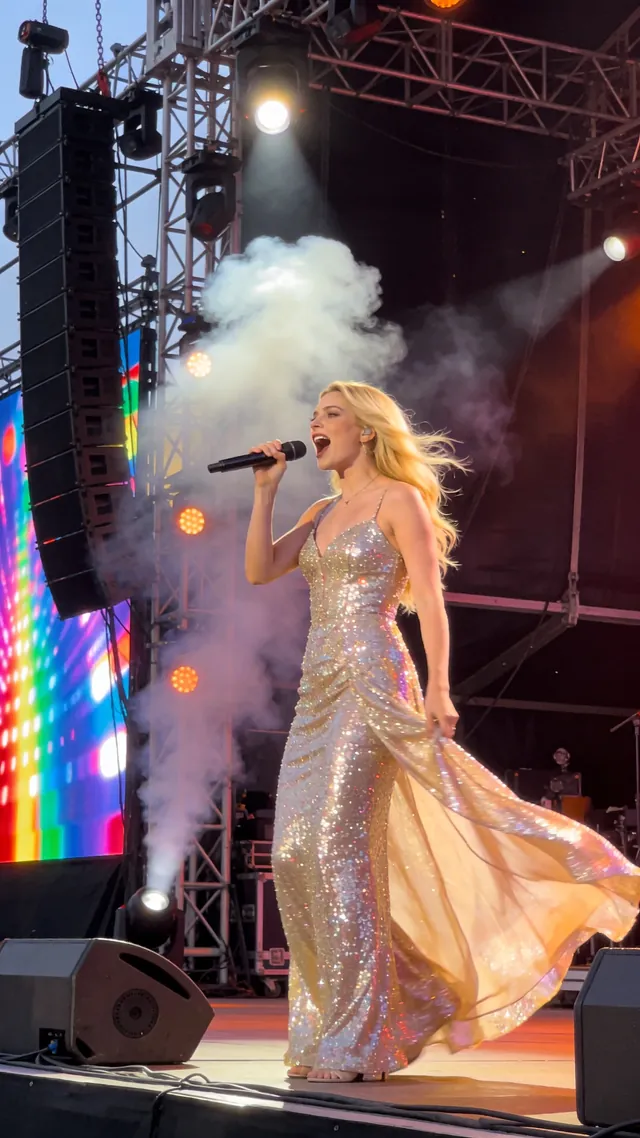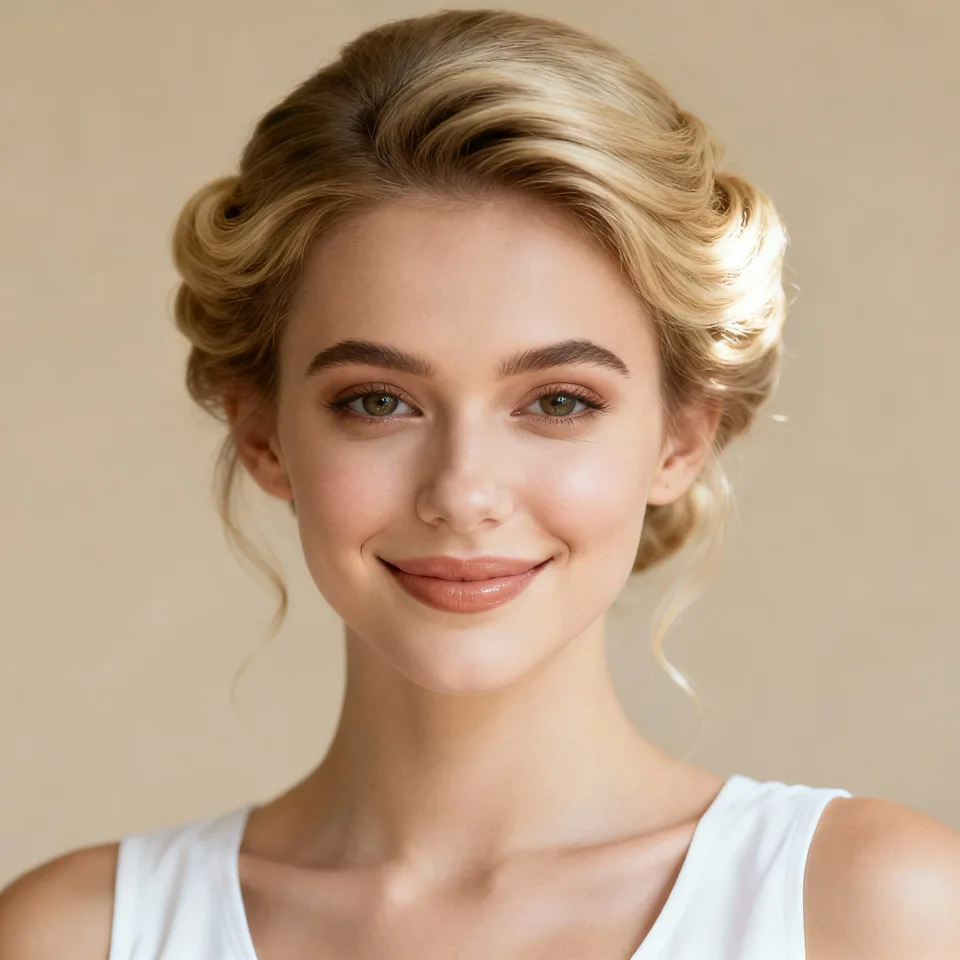
Talking Avatar AI: Create Expressive Avatar Videos

Create a talking avatar that speaks with your voice, expression, and style. Upload a portrait, add a voice track, and guide facial expression and movement with a performance prompt. The AI Avatar Video Generator brings real people, anime, and illustrated presenters into lessons, product introductions, onboarding messages, and social clips. Keep the character recognizable while giving each video a new message.

An expressive AI avatar video generator with stronger portrait control, better preservation of text and fine details in the source image, and prompt-guided emotion, facial expression, and motion style. Best for presentations, product demos, and performance scenes.

*1. Upload, Generate, or Edit Photo

*2. Upload Audio or Generate Audio

Public

Log in to get daily credits and start generating videos. Your tasks will continue in the background if you close the page. Please do not submit the same task repeatedly. You can find your previous generations on the My Creations page.

Create a Talking Avatar with Your Voice and Expression

A talking avatar turns a chosen portrait and audio into a speaking video. The image provides the recognizable character, the recording supplies the message, and the performance prompt guides expression and movement. Use this AI Avatar Video Generator for virtual presenters, lessons, and character-led content.

Build a Talking Avatar around Your Message

Choose a portrait suited to the subject, audience, and framing. Prepare the script as recorded audio or generated speech before creating the avatar performance. Use the result for product explanations, course introductions, onboarding, and presenter-led social clips.

Direct Your Talking Avatar’s Expression and Movement

Describe a composed instructor, an enthusiastic host, or another delivery style in the prompt. Focus on the intended performance rather than unrelated visual instructions. Review a short sample to see how the model follows the requested expression and movement.

Reuse a Source Portrait for New Avatar Videos

Start another video with the same source image, new audio, and updated performance instructions. This creates a shared reference for a recurring presenter format. Check each result individually because generative details, movement, and framing can vary between clips.

Why Choose This AI Avatar Video Generator?

High-Resolution Video up to 4K

Create sharp videos for full-screen viewing, social posts, courses, and client projects. Supported lip sync workflows offer output up to 4K, with the available resolution shown for each model.

Real People, Anime, and Animal Characters

Bring more than a human headshot to life. Create performances with realistic portraits, anime faces, illustrated characters, and animals using the workflow suited to your source.

Natural Expressions and Expressive Motion

Create a performance with facial expression, head movement, and a delivery that fits the audio. Use prompt controls in supported models to direct the mood and movement of the character.

Strong Character Consistency

Keep the character recognizable through the performance, using the source face and reference details as the visual foundation. Build videos around the person, animal, or design your audience already knows.

Your Voice, AI Speech, and Music Together

Upload a recording, record directly, or use built-in text-to-speech, voice tools, and music creation. Prepare the performance you want before bringing it into the video.

Video, Image, and Audio Creation on One Page

Generate the image, prepare speech or music, animate the character, and review the video in one workspace. Built-in image, audio, voice, and video tools keep your creative workflow together.

Talking Avatar and AI Avatar Video Generator Questions

What do I need to create a talking avatar?
Prepare a clear portrait, an audio track, and a performance prompt. The talking avatar uses the image as its visual identity, the audio as its voice, and the prompt to guide expression and motion. This AI Avatar Video Generator keeps these steps together in one workspace.
What is a talking avatar?
A talking avatar is a visual character animated to deliver speech from an audio track. In this workflow, a portrait provides the appearance and a recording or generated voice provides the message, with prompt guidance for the performance.
Can I use my own portrait as an avatar?
Yes. Upload an image you have permission to animate. A clear, well-lit face with visible features provides a better starting point than a tiny image, a heavily obscured face, or an extreme camera angle.
Can I control facial expressions and head movement?
Describe the intended expression and motion in the prompt. This provides generative direction rather than exact keyframe control. Review a short sample to judge how the talking avatar follows your instructions before creating a longer presentation.
Can the same presenter appear in several videos?
Reuse the source portrait and supply new audio and instructions. That gives each generation a common visual reference, although exact appearance and movement can still vary. Review the individual clips before using them as a series.
How is this different from the photo singing page?
This page focuses on directed virtual presenters and talking avatars for lessons, explanations, and business messages. The Image Singing and Talking Image page is the main guide for making a still picture sing or deliver a simple spoken message.
Can I create an avatar video without filming myself?
Yes. Use a permitted portrait with recorded or generated speech instead of an on-camera recording. Check voice pronunciation, visual details, and the intended delivery before downloading and publishing the presenter clip.

Lip Sync AI & Animation Pricing

Choose a plan to instantly access Lip Sync AI-powered lip sync animation. Create perfectly synchronized character lip sync and cartoon lip sync videos for your creative projects.

Standard

$49.99
$39.99/mo
-20%
💎16,000credits
= 12,000 base credits
+ 4,000 bonus credits 🎁+30%

* Annual credits are issued in full upon purchase and refreshed annually.

  • Private Lip Sync AI animation videos allowed
  • High quality auto lip sync output
  • Advanced Lip Sync AI model
  • Priority Lip Sync AI generation

Secure payments

Payment options vary by device and region.

Save 50%

Pro

$99.99
$79.99/mo
-20%
💎33,000credits
= 25,200 base credits
+ 7,800 bonus credits 🎁+30%

* Annual credits are issued in full upon purchase and refreshed annually.

  • Private Lip Sync AI animation videos allowed
  • High quality auto lip sync output
  • Advanced Lip Sync AI model
  • Priority Lip Sync AI generation

Secure payments

Payment options vary by device and region.

Basic

$29.99
$24.99/mo
-17%
💎7,000credits
= 5,400 base credits
+ 1,600 bonus credits 🎁+30%

* Annual credits are issued in full upon purchase and refreshed annually.

  • Private Lip Sync AI animation videos allowed
  • High quality auto lip sync output
  • Advanced Lip Sync AI model
  • Priority Lip Sync AI generation

Secure payments

Payment options vary by device and region.

One-Time Purchase

Pay as you go. Credits never expire.

Price
credits
$9999
300,000
$4999
140,000
$2999
80,000
$1999
40,000
$999
16,000
$499
8,000
$199
3,000

Secure payments

Payment options vary by device and region.

•
How to Use

How to Use AI Avatar Video Generator

Create AI avatar videos from static images with advanced lip sync technology. Upload a portrait and audio, write a prompt for motion and expression, choose quality up to 4K, and export a realistic talking or singing avatar video.

Advanced AI Avatar Video Technology

The AI Avatar Video Generator analyzes your audio, portrait, and prompt to animate mouth shapes, facial expression, and motion style with accurate lip sync. It creates polished avatar videos for creators, teams, educators, marketers, and music content.

Simple AI Avatar Video Workflow

01

Upload Image & Audio

Add a portrait, character, or avatar image plus your speech, narration, or music file.

02

Guide Motion & Quality

Choose resolution up to 4K and use prompts to guide expression, movement, and presentation tone.

03

Generate Avatar Video

Create up to 5-minute AI avatar videos with synchronized speech, vocals, and natural facial motion.

04

Preview & Download

Review your talking or singing avatar video, download the result, and share it anywhere.

AI Avatar Video Use Cases

Virtual presenters: Create 4K talking avatar videos from team or character portraits
Education: Generate instructor avatar videos for courses, tutorials, and training
Marketing: Produce product explainers and ad creatives with prompt-guided AI avatars
Social media: Make short-form avatar videos for TikTok, YouTube Shorts, and Reels
Music content: Turn portraits and characters into singing avatar videos
Localization: Create avatar narration videos for different languages and markets

Start Creating 4K AI Avatar Videos

Upload your image and audio to try the AI Avatar Video Generator. Create talking or singing avatar videos up to 5 minutes with 4K export options, natural lip sync, and prompt-guided expression control.