Image Singing AI: Make a Photo Sing or Talk

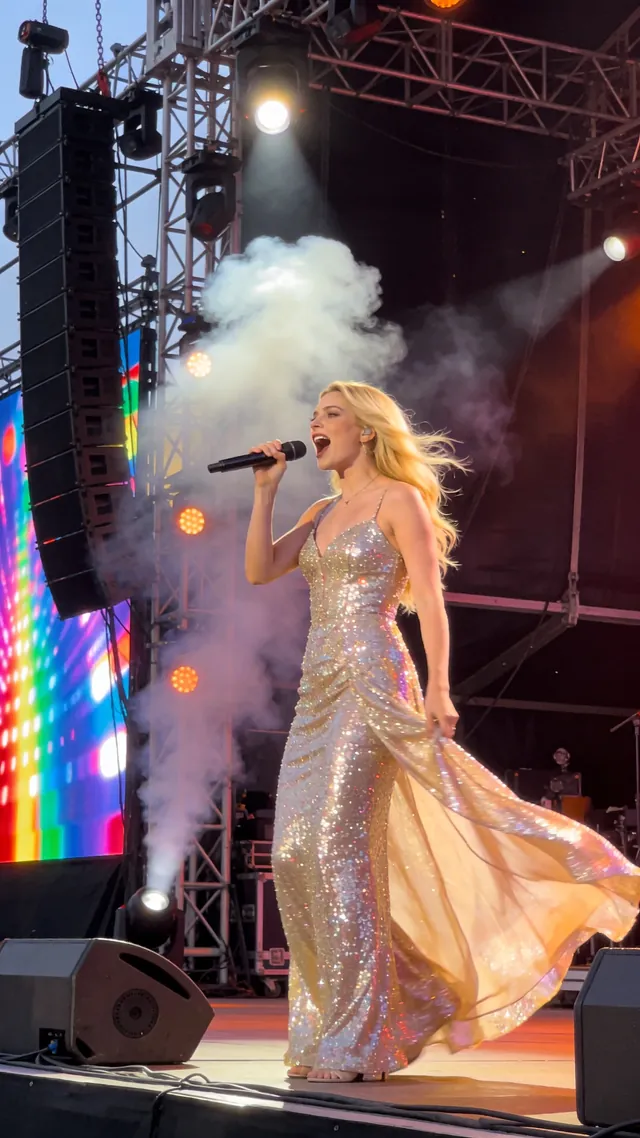
Turn a portrait into a singing photo with the song or vocal performance you choose. Upload an image or create a character, add singing audio, and generate a video that brings the performance to the picture. You can also make a talking image with your own recording or text-to-speech. Create music portraits, personal greetings, narrated stories, and short character clips in one browser-based workspace.

A versatile AI avatar video generator for creating talking avatar and lip sync videos from an image and audio. Supports longer audio, speaker control, animals, and stylized characters.

*1. Upload, Generate, or Edit Photo

*2. Upload Audio or Generate Audio

Black areas = Person does not speak. White areas = Person speaks.

Public

Log in to get daily credits and start generating videos. Your tasks will continue in the background if you close the page. Please do not submit the same task repeatedly. You can find your previous generations on the My Creations page.

What Is Image Singing, and How Does It Work?

Image singing animates a still photo to follow a singing audio track. The image supplies the face and composition; the audio supplies the melody, words, and performance. This workflow also creates talking images from spoken audio, so the same portrait can become a song performance or a personal message.

Image Singing: Make a Picture Sing a Song

Pair a clear portrait with a singing track to create a singing picture video. Upload your own vocals or prepare a song in the music panel, then animate the image. Start with a short section containing clear vocals and review how the mouth follows the performance.

Create a Talking Image with Your Own Voice

Make a photo talk by uploading a recording, recording a message in the browser, or generating speech from a script. Use a talking image for birthday wishes, narrated photo stories, lessons, and short announcements. Preview names and pronunciation before generating the video.

Choose a Portrait, Character, or Illustrated Face

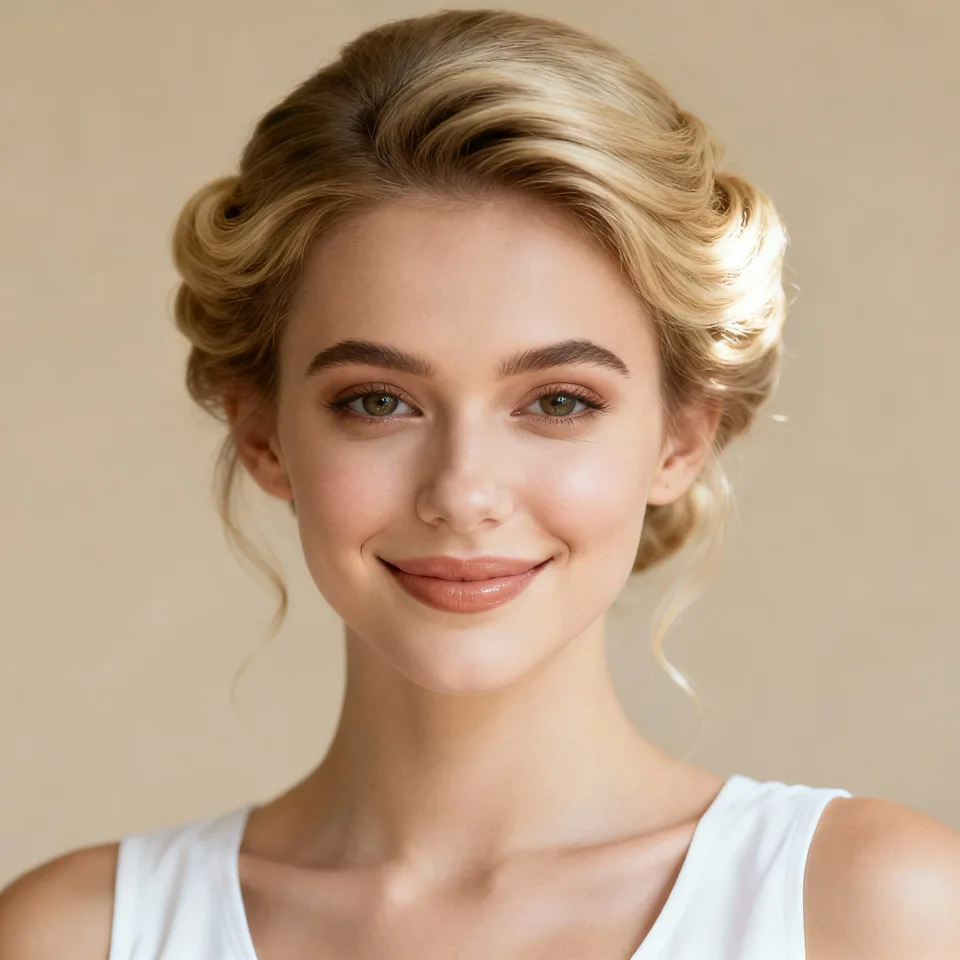
Upload a photo, generate a character portrait, or reuse a saved image. A visible face and unobstructed mouth provide a useful starting point for both speech and singing. For a group picture, choose a model with speaker controls and identify the intended character before generation.

Why Choose This Image Singing and Talking Image Workflow?

4K Detail and Videos up to 10 Minutes

Create sharp, longer performances for complete songs, stories, lessons, and client projects. Supported lip sync models offer output up to 4K and clips up to 10 minutes, with the available settings shown in the generator.

Real People, Anime, and Animal Characters

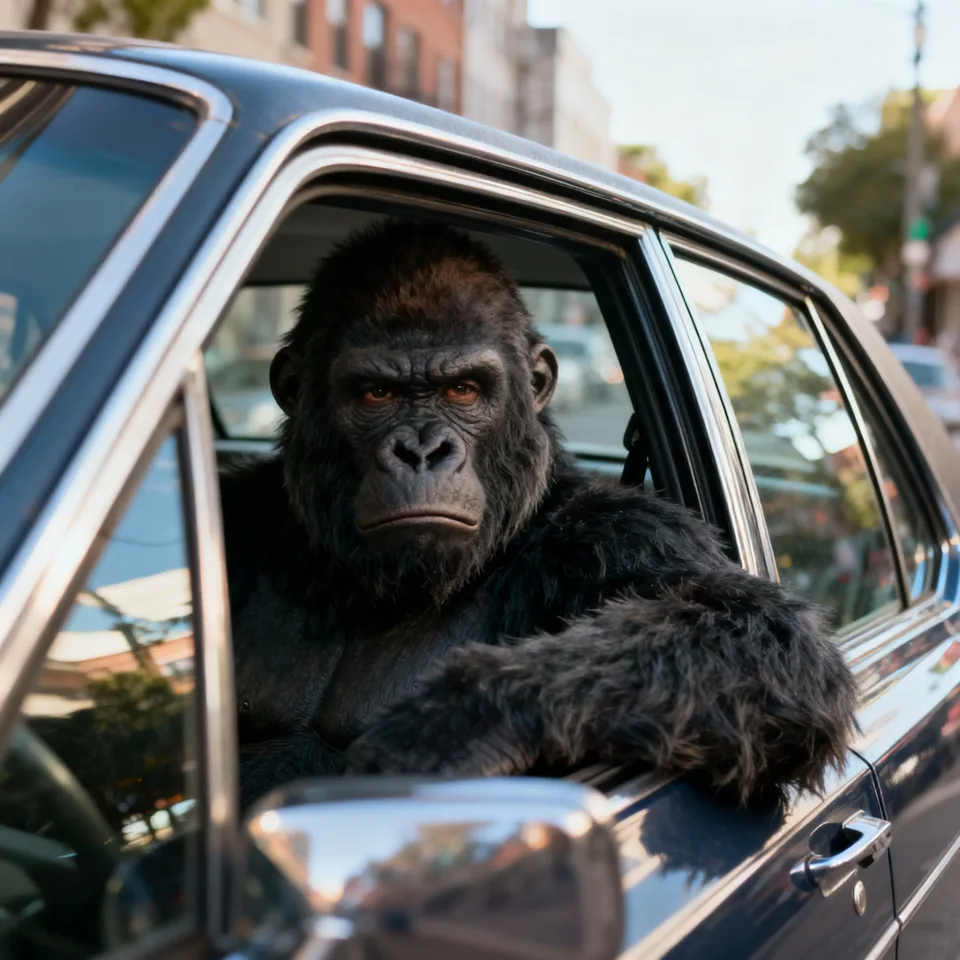
Bring more than a human headshot to life. Create performances with realistic portraits, anime faces, illustrated characters, and animals using the workflow suited to your source.

Control the Speaker, Expression, and Motion

Choose which character performs with visual masks in supported models, or direct facial expression and movement with a performance prompt. Keep the delivery focused on the character and emotion you want.

Strong Character Consistency

Keep the character recognizable through the performance, using the source face and reference details as the visual foundation. Build videos around the person, animal, or design your audience already knows.

Natural Dialogue and Singing Performances

Create spoken messages, narration, character dialogue, and song performances. Use your own voice or prepared audio to give each character the words, melody, and delivery you choose.

Daily Free Credits and a Complete Creative Workflow

Log in daily for credits to try a 7-second video with eligible base settings. Create images, prepare speech or music, animate the character, and review the result in one workspace.

Image Singing and Talking Image Questions

What is image singing?
Image singing animates a still picture to follow a singing performance. The image provides the face or character, and the audio provides the song. The output is a singing photo video, rather than an editable animation project or a new live recording.
How do I make a picture sing?
Choose a clear portrait, add a singing track, and review the model settings. Upload your audio or prepare a song in the music panel. Generate a short section first, check the mouth movement, then refine the image or audio before making a longer clip.
Can I use my own song or singing voice?
Yes. Upload the vocal performance you want the picture to follow. Clear vocals make a useful starting point; heavy effects, overlapping singers, and dense background music can make the mouth movement harder to judge. Try a short passage before generating the whole performance.
How do I make a photo talk instead of sing?
Add spoken audio instead of a song. Upload a recording, record your voice, or create speech from text. The audio determines what the talking image says and when it says it; preview the speech before animating your portrait.
Can I make an image speak without recording my voice?
Use Text to Speech to create an audio track from your script. Listen to the generated voice and check names, pronunciation, and pacing. Select that audio for the image animation, or upload an existing recording if you already have a voice track.
Can I animate a cartoon or AI-generated portrait?
You can try photographs, illustrated faces, rendered characters, and generated portraits. Choose a clear face with a visible mouth. Unusual proportions, tiny faces, and highly stylized features can affect the result, so test a short clip before a longer song or message.
What if several people appear in the photo?
Choose a model with speaker controls and create a mask for the intended speaking or singing character where available. Upload the source image before drawing the mask. For a conversation with two separate voices, use the dedicated AI Podcast Video Generator.
Can I make a photo sing online for free?
Video and generated audio use credits. Any free allowance depends on your account and current availability. The generator shows the required credits for the selected model and settings before submission; visit Pricing for current paid options.
How long can a singing photo video be?
Duration depends on the selected model, audio, and account. The supported image lip sync workflow can handle clips up to 10 minutes; other image-animation models have different limits. Check the current duration and output settings in the form before starting a long performance.

Lip Sync AI & Animation Pricing

Choose a plan to instantly access Lip Sync AI-powered lip sync animation. Create perfectly synchronized character lip sync and cartoon lip sync videos for your creative projects.

Standard

$49.99
$39.99/mo
-20%
💎16,000credits
= 12,000 base credits
+ 4,000 bonus credits 🎁+30%

* Annual credits are issued in full upon purchase and refreshed annually.

  • Private Lip Sync AI animation videos allowed
  • High quality auto lip sync output
  • Advanced Lip Sync AI model
  • Priority Lip Sync AI generation

Secure payments

Payment options vary by device and region.

Save 50%

Pro

$99.99
$79.99/mo
-20%
💎33,000credits
= 25,200 base credits
+ 7,800 bonus credits 🎁+30%

* Annual credits are issued in full upon purchase and refreshed annually.

  • Private Lip Sync AI animation videos allowed
  • High quality auto lip sync output
  • Advanced Lip Sync AI model
  • Priority Lip Sync AI generation

Secure payments

Payment options vary by device and region.

Basic

$29.99
$24.99/mo
-17%
💎7,000credits
= 5,400 base credits
+ 1,600 bonus credits 🎁+30%

* Annual credits are issued in full upon purchase and refreshed annually.

  • Private Lip Sync AI animation videos allowed
  • High quality auto lip sync output
  • Advanced Lip Sync AI model
  • Priority Lip Sync AI generation

Secure payments

Payment options vary by device and region.

One-Time Purchase

Pay as you go. Credits never expire.

Price
credits
$9999
300,000
$4999
140,000
$2999
80,000
$1999
40,000
$999
16,000
$499
8,000
$199
3,000

Secure payments

Payment options vary by device and region.

•
How to Use

How to Use AI Talking Photo Generator & Lip Sync Image

Transform static images into dynamic talking videos with advanced AI Talking Photo technology. Create AI Talking Heads, Singing Portraits, and AI Singing Photos with our cutting-edge Lip Sync Image engine.

Revolutionary AI Talking Photo Technology

Our AI Talking Photo Generator harnesses cutting-edge artificial intelligence to animate static portraits with stunning accuracy. The advanced Lip Sync Image technology analyzes audio and animates facial features, creating professional AI Talking Heads and Singing Portraits with perfect audio-visual synchronization.

Effortless AI Talking Photo Workflow

01

Upload Content

Import your portrait image (JPG, PNG) and audio file (WAV, MP3) into our AI Talking Photo Generator

02

Configure Settings

Adjust aspect ratio, guidance scale, and audio guidance for optimal AI Talking Head generation

03

AI Processing

Our intelligent Lip Sync Image engine automatically generates synchronized AI Singing Photos

04

Preview & Download

Review your professionally synchronized AI Talking Photo video and download the result

Professional Applications

AI Talking Heads: Create animated virtual presenters from static images
Educational Content: Generate engaging AI Talking Photos for e-learning
Content Creation: Produce unique Singing Portraits for social media
AI Singing Photos: Create synchronized music video performances
Accessibility: Animate sign language AI Talking Heads or visual aids
Entertainment: Bring portraits to life with Lip Sync Image technology

Getting Started with AI Talking Photo Generator

Upload your image and audio to try our AI Talking Photo Generator. Create stunning AI Talking Heads, Singing Portraits, and AI Singing Photos. Free tiers available with premium options for larger Lip Sync Image projects.