The MuseTalk Alternative Built for Creators, Not CUDA Setup
MuseTalk is an impressive open-source lip-sync model from Tencent Music Entertainment, with real-time performance on high-end GPUs and a 256 x 256 face region. For production creators, the hard part is everything around the model: Python, CUDA, PyTorch, MMLab packages, FFmpeg, model weights, parameter tuning, and local GPU limits. Lipsync Studio gives you a browser workflow with up to 4K output, up to 10 minutes, speech and singing support, visual mask control, and no hardware setup.
An expressive AI avatar video generator with stronger portrait control, better preservation of text and fine details in the source image, and prompt-guided emotion, facial expression, and motion style. Best for presentations, product demos, and performance scenes.
*1. Upload, Generate, or Edit Photo
*2. Upload Audio or Generate Audio
Log in to get daily credits and start generating videos. Your tasks will continue in the background if you close the page. Please do not submit the same task repeatedly. You can find your previous generations on the My Creations page.
*1. Upload, Generate, or Edit Photo
*2. Upload Audio or Generate Audio
Log in to get daily credits and start generating videos. Your tasks will continue in the background if you close the page. Please do not submit the same task repeatedly. You can find your previous generations on the My Creations page.
How to Generate Lip Sync Videos
Pick the workflow that matches your source media and goal, then use the model, upload, and masking tips to get cleaner lip sync results.
Create a Singing or Speech Video from One Image
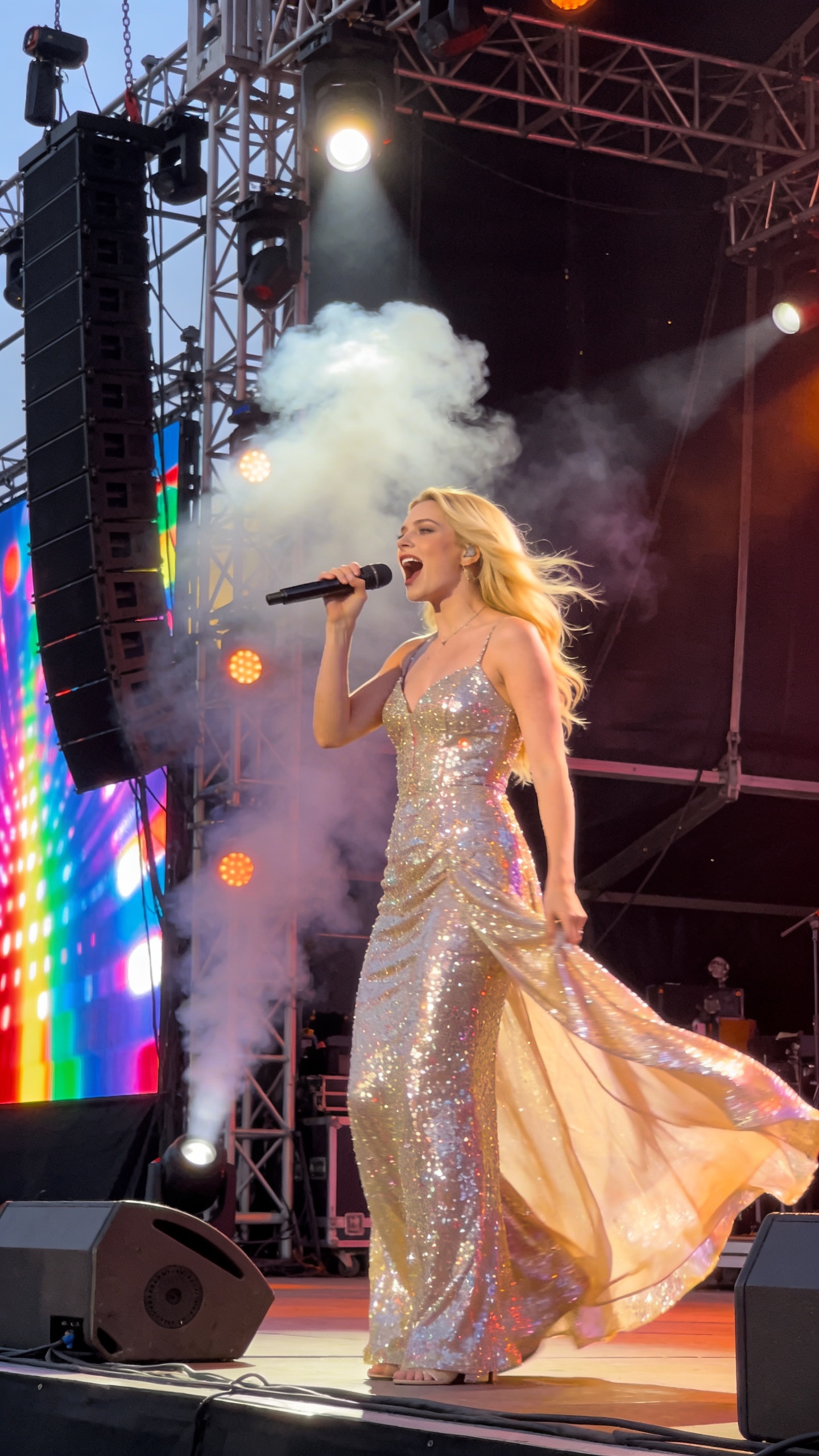
Turn a portrait into a singing, speaking, or presentation-style video with one image and one audio file. Use it for talking avatars, virtual hosts, lectures, music portraits, and social clips.



MuseTalk vs Lipsync Studio: Side-by-Side
| Feature | MuseTalk | Lipsync Studio |
|---|---|---|
| Output Quality | 256 x 256 Face Region | 360p to 4K Output |
| Setup Required | Python + CUDA + FFmpeg | Browser-Based |
| Hardware | High-End GPU Recommended | Cloud Compute, No Local GPU |
| Workflow | Model Scripts + Parameter Tuning | Upload, Mask, Generate, Download |
| Creative Audio | Speech-Focused Model | Speech, Singing, TTS & Voice |
| Max Duration | Hardware-Dependent | Up to 10 Minutes |
Why Creators Choose Lipsync Studio Over MuseTalk
- 256 x 256 Face Region Is Not Enough for 4K Work
- MuseTalk processes a 256 x 256 face region. That is useful for research and demos, but it can look limited when your final video needs sharp output for YouTube, ads, courses, or client delivery. Lipsync Studio supports 360p through 4K output.
- Local Setup Slows Down the First Result
- MuseTalk requires a Python environment, CUDA-compatible PyTorch, MMLab packages, FFmpeg, and multiple model weights before you can generate. Lipsync Studio runs in the browser, so you can upload video or photo assets and start immediately.
- Real-Time Claims Depend on Expensive GPUs
- MuseTalk reports 30fps+ on an NVIDIA Tesla V100, while smaller consumer GPUs can be much slower. Lipsync Studio handles the compute in the cloud, so creators do not need to own or maintain GPU hardware.
- Parameter Tuning Can Affect the Mouth Result
- MuseTalk documents controls such as face-center and bbox shift that can significantly affect generation quality. Lipsync Studio keeps those low-level model details out of the workflow and focuses on upload, mask, generate, and download.
- Model Workflow Is Not a Full Creative Studio
- MuseTalk is a model repository. It does not give you a full hosted workflow with built-in text-to-speech, voice cloning, image generation, pricing, account history, and one-click exports. Lipsync Studio puts those creator tools in one place.
- Harder to Control Real Production Scenes
- Podcasts, interviews, hands near mouths, microphones, and stylized characters need practical controls. Lipsync Studio adds visual mask control, occlusion-aware processing, singing support, and broader character coverage.
Lip Sync AI & Animation Pricing
Choose a plan to instantly access Lip Sync AI-powered lip sync animation. Create perfectly synchronized character lip sync and cartoon lip sync videos for your creative projects.
Standard
* Annual credits are issued in full upon purchase and refreshed annually.
- Private Lip Sync AI animation videos allowed
- High quality auto lip sync output
- Advanced Lip Sync AI model
- Priority Lip Sync AI generation
Pro
* Annual credits are issued in full upon purchase and refreshed annually.
- Private Lip Sync AI animation videos allowed
- High quality auto lip sync output
- Advanced Lip Sync AI model
- Priority Lip Sync AI generation
Basic
* Annual credits are issued in full upon purchase and refreshed annually.
- Private Lip Sync AI animation videos allowed
- High quality auto lip sync output
- Advanced Lip Sync AI model
- Priority Lip Sync AI generation
One-Time Purchase
Pay as you go. Credits never expire.
MuseTalk vs Lipsync Studio FAQ
Is MuseTalk a good lip sync model?
Yes. MuseTalk is a strong open-source model, especially for developers who want to run or customize a lip-sync pipeline. Lipsync Studio is better when you want a hosted creator workflow without installing and tuning the model yourself.
Does MuseTalk run in real time?
MuseTalk reports 30fps+ on an NVIDIA Tesla V100. Real speed depends on your hardware, setup, and settings. Lipsync Studio runs the compute in the cloud so you do not need local GPU hardware.
Can Lipsync Studio make 4K videos?
Yes. Lipsync Studio supports output from 360p up to 4K, while MuseTalk documents a 256 x 256 processed face region.
Do I need to install Python, CUDA, or FFmpeg?
No. Lipsync Studio is browser-based. MuseTalk requires a local environment with Python, PyTorch/CUDA, dependencies, FFmpeg, and downloaded weights.
Can I lip sync songs?
Yes. Lipsync Studio supports both speech and singing workflows, making it suitable for music videos, AI covers, and creative short-form content.
Which should I choose?
Choose MuseTalk if you are a developer who wants to experiment with a model repository. Choose Lipsync Studio if you need a production-friendly web app with 4K export, longer clips, masks, and built-in creative tools.