AI Video Translation
Upload a video, choose a target language, and use AI Video Translation to generate Fast Lip Sync or Advanced Lip Sync output.
AI Video Translation with AI dubbing and lip sync. Choose Fast Lip Sync or Advanced Lip Sync based on speed, quality, and cost.
*1. Upload Video
Auto works for most clips. Set the speaker count when the video has multiple speakers; Pro uses it for stronger speaker separation and lip-sync quality.
Log in to get daily credits and start generating videos. Your tasks will continue in the background if you close the page. Please do not submit the same task repeatedly. You can find your previous generations on the My Creations page.
*1. Upload Video
Auto works for most clips. Set the speaker count when the video has multiple speakers; Pro uses it for stronger speaker separation and lip-sync quality.
Log in to get daily credits and start generating videos. Your tasks will continue in the background if you close the page. Please do not submit the same task repeatedly. You can find your previous generations on the My Creations page.








AI Video Translation FAQ
Dynamic Duration lets translated speech stretch or shorten when the target language needs more or fewer words than the original.
How to Generate Lip Sync Videos
Pick the workflow that matches your source media and goal, then use the model, upload, and masking tips to get cleaner lip sync results.
Translate a Video and Sync the Speaker's Lips
Turn one source video into a localized version with translated speech and lip sync. It works well for courses, product demos, ads, tutorials, and social media localization.
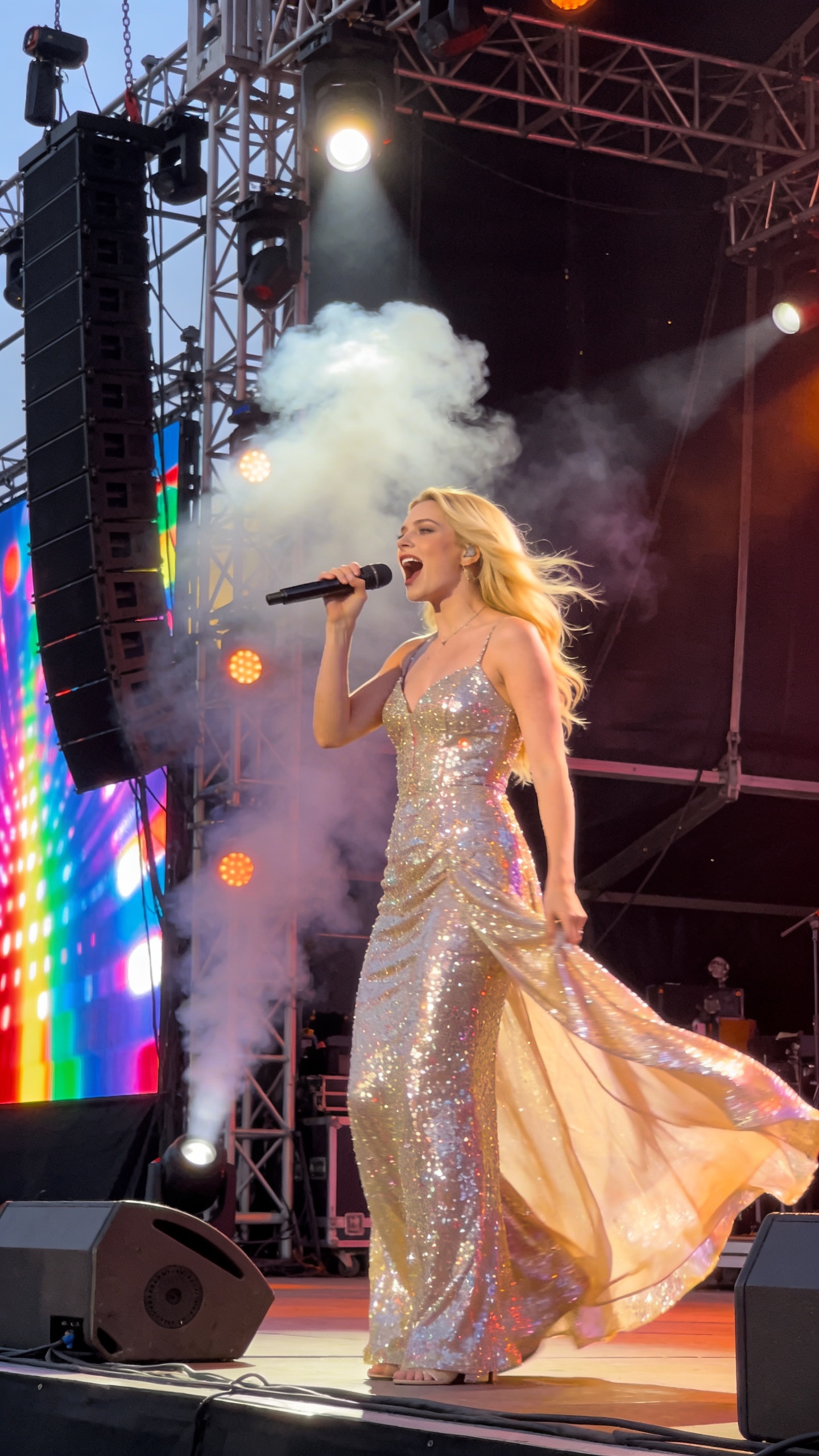



Where AI Video Translation Helps
Use AI Video Translation when one source video needs to work across languages, markets, and channels without rebuilding the entire production.
Courses & Training
Translate course videos, internal training, and onboarding clips with dubbed speech, captions, and synced mouth movement.
Marketing & Ads
Localize product launches, paid ads, testimonials, and brand videos for new markets without reshooting.
Social Media Localization
Turn one source clip into multilingual versions for TikTok, YouTube Shorts, Reels, and creator channels.
Cross-Border Sales
Translate demos, sales videos, and landing-page explainers so international buyers can hear the message in their language.
Podcasts & Interviews
Create localized clips from interviews, webinars, expert talks, and podcast highlights with clearer translated speech.
Product Tutorials
Adapt software walkthroughs, how-to videos, and customer support clips for multilingual help centers.
Lip Sync AI & Animation Pricing
Choose a plan to instantly access Lip Sync AI-powered lip sync animation. Create perfectly synchronized character lip sync and cartoon lip sync videos for your creative projects.
Standard
* Annual credits are issued in full upon purchase and refreshed annually.
- Private Lip Sync AI animation videos allowed
- High quality auto lip sync output
- Advanced Lip Sync AI model
- Priority Lip Sync AI generation
Pro
* Annual credits are issued in full upon purchase and refreshed annually.
- Private Lip Sync AI animation videos allowed
- High quality auto lip sync output
- Advanced Lip Sync AI model
- Priority Lip Sync AI generation
Basic
* Annual credits are issued in full upon purchase and refreshed annually.
- Private Lip Sync AI animation videos allowed
- High quality auto lip sync output
- Advanced Lip Sync AI model
- Priority Lip Sync AI generation
One-Time Purchase
Pay as you go. Credits never expire.
How to Use AI Video Translation
Use AI Video Translation in a few clear steps: upload a source clip, choose the target language and lip sync mode, tune captions and audio options, then generate and download the localized result.
Upload your source video
Add a short video with clear speech. If the clip has multiple speakers, choose the speaker count before generating.
Choose language and mode
Select the target language, then choose Fast Lip Sync or Advanced Lip Sync based on cost and quality.
Tune output options
Enable captions, dynamic duration, music removal, or speech enhancement only when the source video needs them.
Generate and download
Submit the task, wait for processing to finish, then preview and download the translated video.