Seedance Lip Sync AI Video Generator
Use Seedance 2.0 to create lip sync videos from text prompts, reference images, short reference videos, and audio. Write the exact words your character should say, or upload reference media and audio so Seedance can follow the speech.
The #1 video generation model for ads, films, and product creative. Supports text, image, video, and audio references, and you can target reference assets in prompts with @image1, @video1, and similar tags.
Add up to 9 independent image references.
Total reference video duration must not exceed 15 seconds.
Total reference audio duration must not exceed 15 seconds.
Log in to get daily credits and start generating videos. Your tasks will continue in the background if you close the page. Please do not submit the same task repeatedly. You can find your previous generations on the My Creations page.
Add up to 9 independent image references.
Total reference video duration must not exceed 15 seconds.
Total reference audio duration must not exceed 15 seconds.
Log in to get daily credits and start generating videos. Your tasks will continue in the background if you close the page. Please do not submit the same task repeatedly. You can find your previous generations on the My Creations page.








How to Generate Lip Sync Videos
Pick the workflow that matches your source media and goal, then use the model, upload, and masking tips to get cleaner lip sync results.
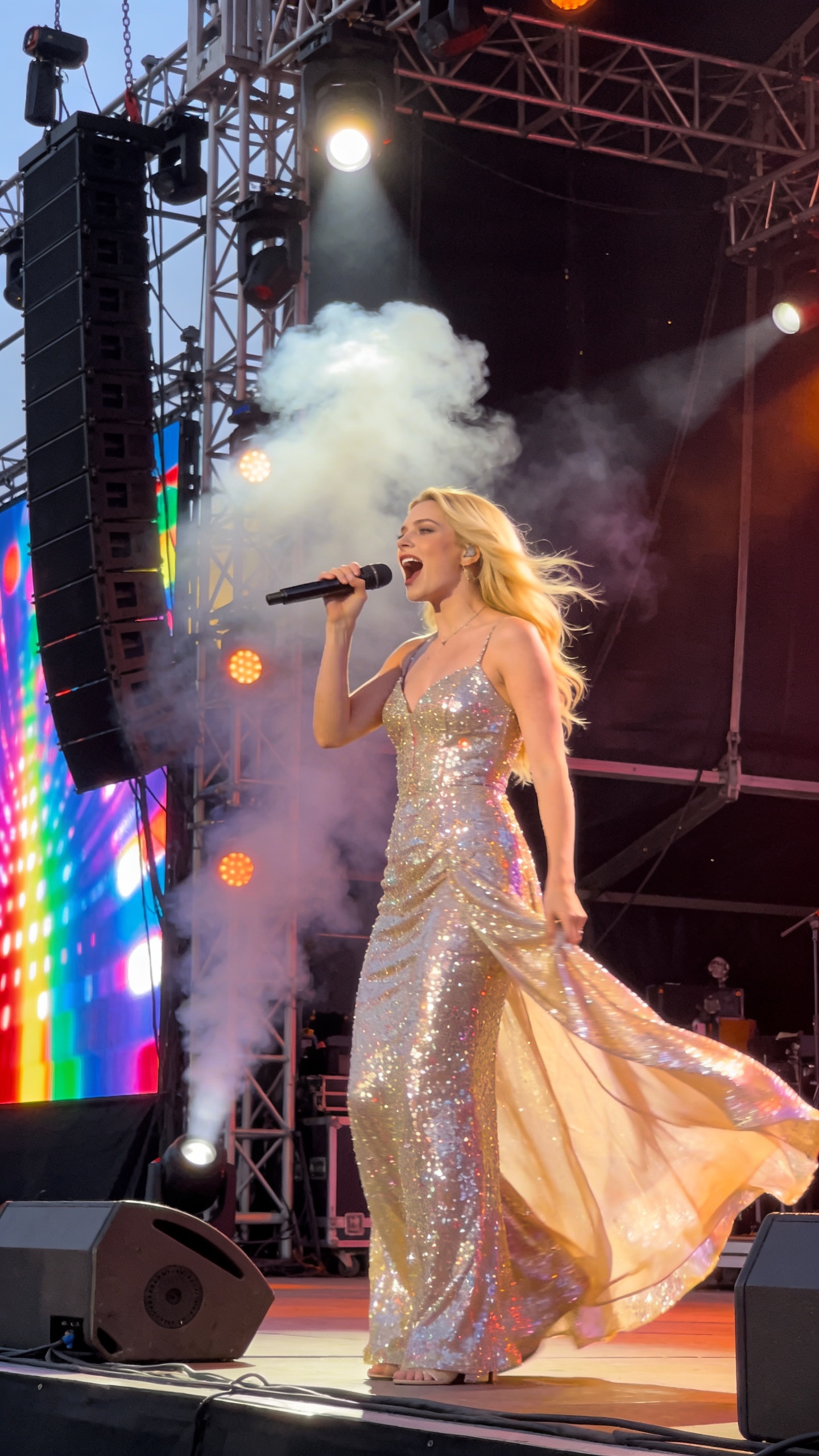
Use the song from @audio1 to generate a video of a man singing.
Generate a New Lip-Synced Video with Camera Control
Create a new video from a reference image, reference audio, and a prompt. Use this when you need control over camera movement, scene style, expression, action, or storytelling.


Lip Sync AI & Animation Pricing
Choose a plan to instantly access Lip Sync AI-powered lip sync animation. Create perfectly synchronized character lip sync and cartoon lip sync videos for your creative projects.
Standard
* Annual credits are issued in full upon purchase and refreshed annually.
- Private Lip Sync AI animation videos allowed
- High quality auto lip sync output
- Advanced Lip Sync AI model
- Priority Lip Sync AI generation
Pro
* Annual credits are issued in full upon purchase and refreshed annually.
- Private Lip Sync AI animation videos allowed
- High quality auto lip sync output
- Advanced Lip Sync AI model
- Priority Lip Sync AI generation
Basic
* Annual credits are issued in full upon purchase and refreshed annually.
- Private Lip Sync AI animation videos allowed
- High quality auto lip sync output
- Advanced Lip Sync AI model
- Priority Lip Sync AI generation
One-Time Purchase
Pay as you go. Credits never expire.
How to Use Seedance for Lip Sync
Seedance can create lip sync in two practical ways: write the spoken dialogue directly in the prompt, or upload reference video plus reference audio and instruct the character to speak the audio content.
Method 1: Write the Spoken Words in the Prompt
Describe the character, scene, emotion, and exact line of dialogue. Put the words in quotes and add phrases such as natural lip movement, clear articulation, direct eye contact, and subtle head motion.
Method 2: Use Reference Video and Reference Audio
Upload a reference video or image for the character and an audio reference for the speech. In the prompt, tell Seedance to follow the uploaded audio for lip sync and preserve the character, motion style, and camera framing from the reference media.
Prompt and Audio Aware Seedance Lip Sync
Seedance 2.0 supports text, image, video, and audio references. For lip sync, keep prompts specific: identify the speaker, quote the dialogue, and reference uploaded media with clear instructions such as use @audio1 for the voice and lip movement.
Seedance Lip Sync Workflow
Add References
Upload character images, a short reference video, or clean speech audio when you need tighter control.
Write the Dialogue Prompt
Include the exact words the character should say, the speaking style, and any @image, @video, or @audio references.
Generate with Seedance
Choose duration, aspect ratio, resolution, and whether Seedance should generate audio in the same pass.
Review and Download
Preview the mouth movement, regenerate variations if needed, then download the final lip sync video.
Best Uses for Seedance Lip Sync
Start Creating with Seedance Lip Sync
Start with a short 5 to 8 second clip. Use a clean prompt, clear spoken words, and a close-up character reference for the best first result.