How to Make a Picture Talk and Sing: Best AI Talking Photo Generator Guide
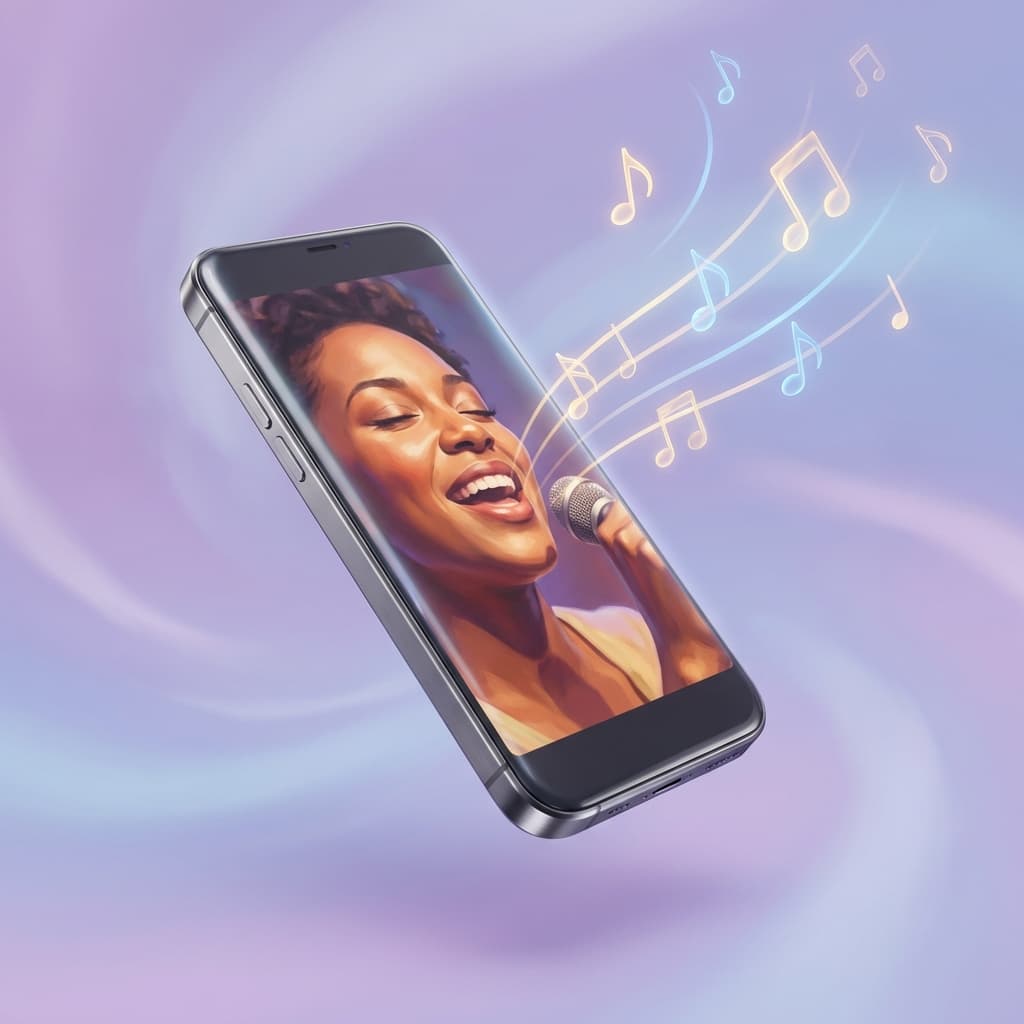
The ultimate tutorial on how to lip sync picture, make a picture sing, and create stunning talking photo animations
Can You Really Make Pictures Talk and Sing?
Yes! With the best AI talking photo generator technology, you can transform any still image into a realistic singing photo or talking picture video. Whether you want to learn how to make a picture talk or how to make a picture sing, this comprehensive guide will show you exactly how to do it.
This magical technology, known as AI lip sync or talking photo animation, has revolutionized the way we create content. Using our AI talking photo generator, you can:
- 🎤 Make grandma's old photo sing happy birthday — create the perfect singing photo gift
- 🗣️ Learn how to make a picture talk for your brand presentations
- 🎭 Animate cartoon characters with your voice using the best AI talking photo generator
- 📱 Produce viral social media content with singing photo effects
- 🎬 Bring historical figures to life with realistic lip sync technology
This guide will show you exactly how to make a picture sing and how to make a picture talk using the best tools available.
How Does AI Talking Photo Generator Work?
The best AI talking photo generator uses deep learning algorithms to create stunning singing photo effects:
- Analyze the audio — Detect phonemes, timing, and speech patterns
- Understand the face — Map facial features and expressions
- Generate motion — Create natural lip movements, expressions, and subtle head motion
- Produce video — Output a seamless video where the photo appears alive
The result? A static image that looks like it's actually speaking or singing! Whether you want to learn how to make a picture talk or create a singing photo, the process is incredibly simple.
Types of Images That Work Best for Talking Photo Generator
✅ Ideal Images for Singing Photo Creation:
| Image Type | Quality Rating | Notes |
|---|---|---|
| Front-facing photos | ⭐⭐⭐⭐⭐ | Best results for singing photo |
| Slight angle (15-30°) | ⭐⭐⭐⭐ | Good for how to make a picture talk |
| Cartoon/Anime faces | ⭐⭐⭐⭐ | Works great with AI talking photo generator |
| Animal faces | ⭐⭐⭐⭐ | Surprisingly effective |
| Stylized characters | ⭐⭐⭐⭐ | Excellent compatibility |
⚠️ Important Considerations:
- Profile views (side of face) — may have reduced quality
- Multiple faces in one image — When your image contains multiple faces, all faces will lip sync simultaneously, creating a "chorus" effect. If you only want one person to speak or sing, use an image with a single face, or use our Multi-Speaker model to control each face independently
- Very small faces — may not be detected properly
- Heavily obscured faces — partial face coverage may affect results
Step-by-Step: How to Make a Picture Sing and Talk
Step 1: Get Your Image
The best AI talking photo generator offers multiple ways to get your perfect image:
Option A: Upload Your Own Image
Select a photo that meets these criteria:
- Clear visibility: Face should be clearly visible
- Good lighting: Well-lit without harsh shadows
- Reasonable size: At least 256x256 pixels
- Supported formats: JPEG, PNG, WebP
Option B: AI Text-to-Image Generation
Don't have the perfect image? No problem! Our AI talking photo generator includes a built-in Text-to-Image feature:
- Simply describe the character you want to create
- The AI generates a custom image ready for lip sync
- Perfect for creating unique avatars, characters, or personas
- No need to search for stock photos or take new pictures
Option C: AI Image Editing
Already have an image but need to modify it? Use our Edit Image feature:
- Enhance or modify existing images with AI
- Adjust expressions, lighting, or composition
- Create variations of your original photo
- Perfect for preparing images for singing photo creation
What types of subjects work for talking photo generator?
- ✅ Real humans (any age, any ethnicity)
- ✅ Cartoon and anime characters
- ✅ Stylized illustrations
- ✅ Animals (cats, dogs, pandas, and more!)
- ✅ CGI and 3D-rendered characters
- ✅ AI-generated images (from our Text-to-Image feature)
Step 2: Prepare Your Audio
This is where the magic happens for your singing photo or talking picture! Your audio can be:
Option A: Singing
- Any song (popular music, original compositions)
- Karaoke recordings
- AI-generated singing voice
- Perfect for creating singing photo content
Option B: Speaking
- Voice recordings
- Text-to-speech audio
- Voice clones
- Podcast audio
- Great for learning how to make a picture talk
Option C: Sound Effects & Creative Audio
- Funny voice overs
- Character voices
- Any audio you can imagine!
Audio Tips for Best AI Talking Photo Generator Results:
✓ Clear voice without excessive background noise
✓ Reasonable length (up to 500 seconds supported)
✓ Any language works
✓ MP3, WAV, M4A formats
Step 3: Use the Best AI Talking Photo Generator Tool
Using LipSync Studio's Image Lip Sync — the best AI talking photo generator (powered by InfiniteTalk):
-
Get your image
- Click "Upload Image" or drag & drop your own photo
- Use Text-to-Image to generate a new character
- Use Edit Image to modify an existing picture
- Or choose from sample images (humans, animals, babies)
-
Add your audio
- Upload audio file directly, OR
- Use Text-to-Speech to generate audio, OR
- Use Voice Clone to create a custom voice
-
Add an optional prompt
Example: "A person singing with emotional expression, subtle head movement following the music rhythm." -
Select resolution
- 360p: Quick social media clips
- 480p-720p: Standard quality
- 1080p-4K: Professional production
-
Click Generate!
Step 4: Download and Share Your Singing Photo
Your singing photo or talking picture video is ready! Download and share it on:
- TikTok & Instagram Reels
- YouTube
- WhatsApp & Messenger
- Any platform you choose!
Creative Ideas: What to Make with AI Talking Photo Generator
🎂 Birthday Surprises with Singing Photo
Turn childhood photos into singing photo birthday messages:
- Find an old photo of the birthday person (or generate one with Text-to-Image)
- Record or generate "Happy Birthday" in their favorite style
- Use the best AI talking photo generator to create a heartwarming video gift
🏢 Business Avatars — How to Make a Picture Talk for Marketing
Create a talking representative for your brand:
- Design or select an avatar image (or generate one with AI)
- Write a script for your message
- Generate professional-sounding TTS audio
- Use our AI talking photo generator for consistent brand videos
🎭 Historical Figures Speaking
Imagine Abraham Lincoln delivering modern advice:
- Find a historical portrait
- Write a script in their style
- Use AI voice generation
- Create educational content with how to make a picture talk technology
🐱 Talking Pets
Your cat can finally tell you what it's thinking:
- Upload your pet's photo
- Record a funny voice-over
- Create viral-worthy singing photo content
🎤 Favorite Characters Singing
Make anime characters perform pop songs:
- Save a character image or generate one with Text-to-Image
- Choose their song
- Watch your singing photo come to life!
Audio Sources for Best AI Talking Photo Generator
Method 1: Upload Your Own Recording
Simply record yourself singing or speaking:
- Use your phone's voice memo app
- Record on your computer
- Use any microphone
Method 2: Text-to-Speech (TTS) for How to Make a Picture Talk
Generate speech from text using AI voices:
- Go to the Audio Source selector
- Choose "Text to Speech"
- Type your message
- Select from 90+ languages and multiple voice styles
- Generate and apply
Available voice characteristics for your AI talking photo generator:
- Young, old, male, female, neutral
- Various accents and personalities
- Adjustable pitch, rate, and volume
- SSML support for advanced control
Method 3: Voice Cloning for Perfect Singing Photo
Create a custom voice from a sample:
- Upload 6+ seconds of reference audio
- Type your desired script
- The AI recreates that voice saying your words
Perfect for creating amazing talking photo content:
- Personalized messages in someone's voice
- Consistent character voices
- Custom brand voices
Resolution and Quality Guide for AI Talking Photo Generator
Choose the right quality for your singing photo needs:
| Resolution | Pixel Size | Best For |
|---|---|---|
| 360p | 360×640 | Instagram Stories, quick previews |
| 480p | 480×854 | Standard social media |
| 720p | 720×1280 | YouTube, presentations |
| 1080p | 1080×1920 | Professional video |
| 2K | 1440×2560 | High-end production |
| 4K | 2160×3840 | Broadcast quality |
Credit Cost: Higher resolution = more credits required. Start with 360p to preview, then upgrade for final singing photo or talking picture export.
Advanced Tips for Best AI Talking Photo Generator Results
1. Use Prompts Strategically
Guide the AI with descriptive prompts for better singing photo quality:
For Singing Photo:
"A person singing emotionally with eyes occasionally closing,
natural facial expressions following the melody.
Subtle head movements synchronized with the beat."
For How to Make a Picture Talk:
"A person speaking clearly with professional demeanor.
Natural blinking, minimal but confident head movement.
Direct eye contact maintained throughout."
2. Match Audio to Image Style for Your AI Talking Photo Generator
- Cartoon image + Playful voice = Great singing photo!
- Professional headshot + Business tone = Perfect for how to make a picture talk!
- Baby photo + Baby voice sounds = Adorable!
3. Consider Your Platform for Singing Photo Content
| Platform | Recommended | Aspect Ratio |
|---|---|---|
| Instagram Reels | 720p-1080p | 9:16 (vertical) |
| TikTok | 720p-1080p | 9:16 (vertical) |
| YouTube | 1080p+ | 16:9 (horizontal) |
| 720p-1080p | 1:1 or 16:9 |
Troubleshooting Common AI Talking Photo Generator Issues
Problem: Lips don't sync well in singing photo
Solutions:
- Use a clearer face image
- Ensure audio has distinct speech sounds
- Try front-facing image instead of angled
- Use Text-to-Image to generate an ideal face
Problem: Expression looks unnatural
Solutions:
- Add a descriptive prompt
- Use a different seed value (in advanced settings)
- Try a different image with neutral expression
- Use Edit Image to adjust the base photo
Problem: Multiple faces singing together unexpectedly
Solutions:
- The AI talking photo generator will animate ALL faces detected in an image
- For single person content, use an image with only ONE face visible
- If you need multiple people but only one speaking, use our Multi-Speaker model for individual control
- Crop your image to include only the face you want to animate
Problem: Video is too short/long
Solutions:
- Trim audio to desired length before uploading
- Use the audio trimmer tool (7-second default selection)
Frequently Asked Questions About Best AI Talking Photo Generator
How do I make a picture talk?
It's simple! With the best AI talking photo generator, just upload or generate an image, add audio, and let the AI create your talking picture. The whole process takes just minutes.
How can I make a picture sing?
Creating a singing photo follows the same process — upload an image, add singing audio (or generate it with TTS), and the AI will make your picture sing! Our AI talking photo generator handles all the complex lip sync technology.
Can I make any picture sing?
Almost any picture with a visible face! This includes:
- Human photos
- Cartoon characters
- Anime drawings
- Animal faces
- CGI characters
- AI-generated images
What languages work with this AI talking photo generator?
All languages work! The AI synchronizes lips to audio phonemes regardless of language.
How long can my singing photo video be?
Up to 500 seconds (over 8 minutes!) for image-based lip sync with our best AI talking photo generator.
What if I don't have a good image?
No problem! Use our Text-to-Image feature to generate any character you can imagine, or use Edit Image to enhance your existing photos before creating singing photo content.
Is this legal?
Yes, when using your own images and audio, or content you have rights to use. Be respectful and ethical in your creations.
Can I use this AI talking photo generator for commercial purposes?
Yes! Many users create:
- Marketing videos
- Product demos
- Educational content
- Entertainment media
Start Creating Talking Pictures and Singing Photos Today
Now you know how to make a picture talk and how to make a picture sing! Transform any image into a singing photo, talking picture, or performing video in minutes. No video editing skills required!
Get started free with LipSync Studio — the best AI talking photo generator available. Log in to receive 16 credits daily and start creating amazing content.
Create Your Singing Photo Now →
Last updated: January 2026
Keywords: how to make a picture talk, how to make a picture sing, best AI talking photo generator, singing photo, talking picture, lip sync picture, make photo sing, animate still photo, AI lip sync image, photo to video, make image talk, singing photo app, photo animation AI, AI talking photo, talking photo animation
Recommended Reading
- What is Lip Sync? Definition, Meaning, and How AI is Revolutionizing It
Everything you need to know about lip synchronization — from history to cutting-edge AI technology
- How to Lip Sync Video: The Complete Guide to AI-Powered Video Lip Synchronization
Transform any video with perfect lip sync using cutting-edge AI technology
- AI Podcast Generator: Create Podcast Videos with Multi-Speaker Lip Sync Technology
The ultimate AI podcast generator that creates professional multi-speaker podcast videos from a single image using advanced lip sync technology